
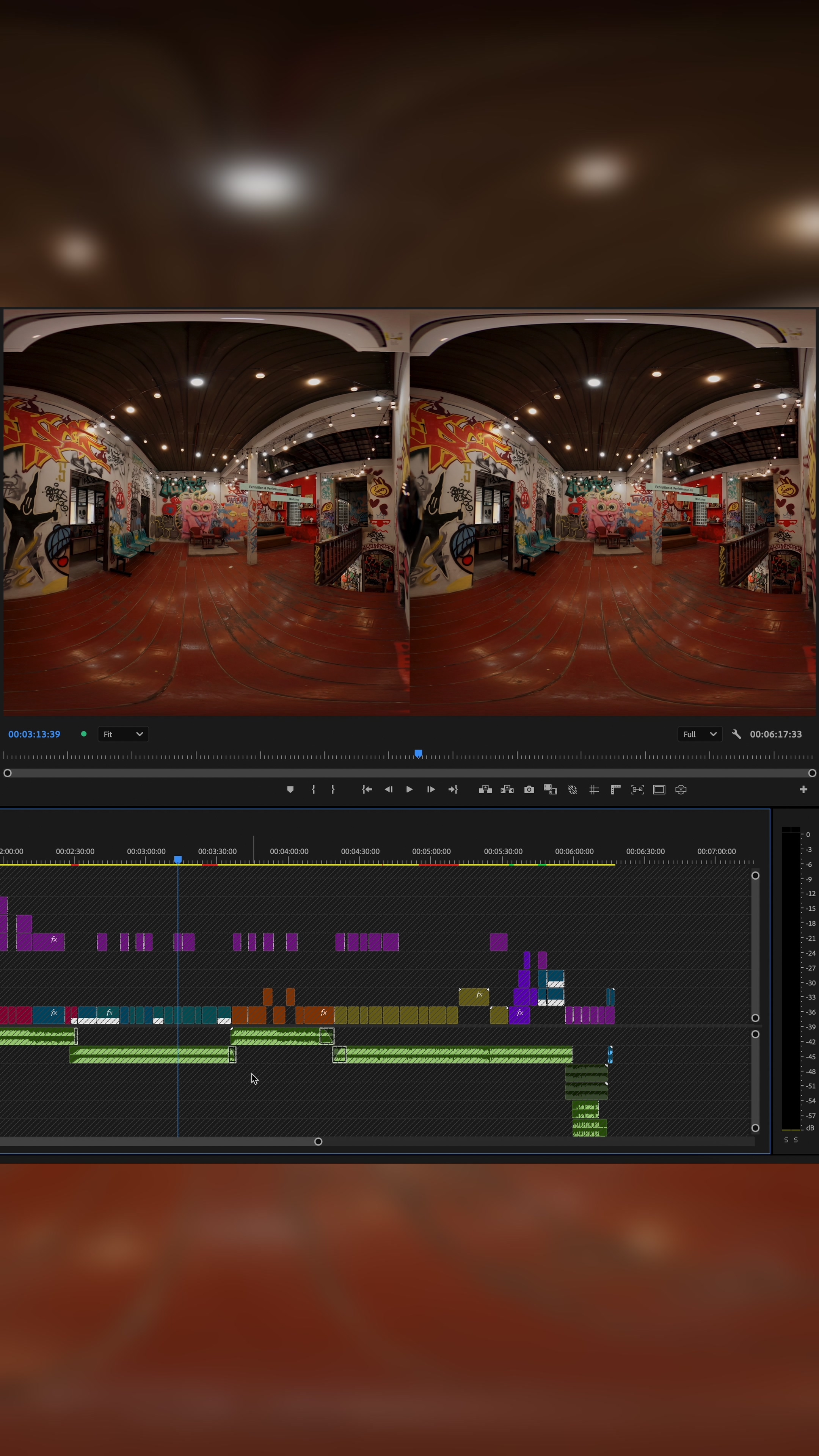
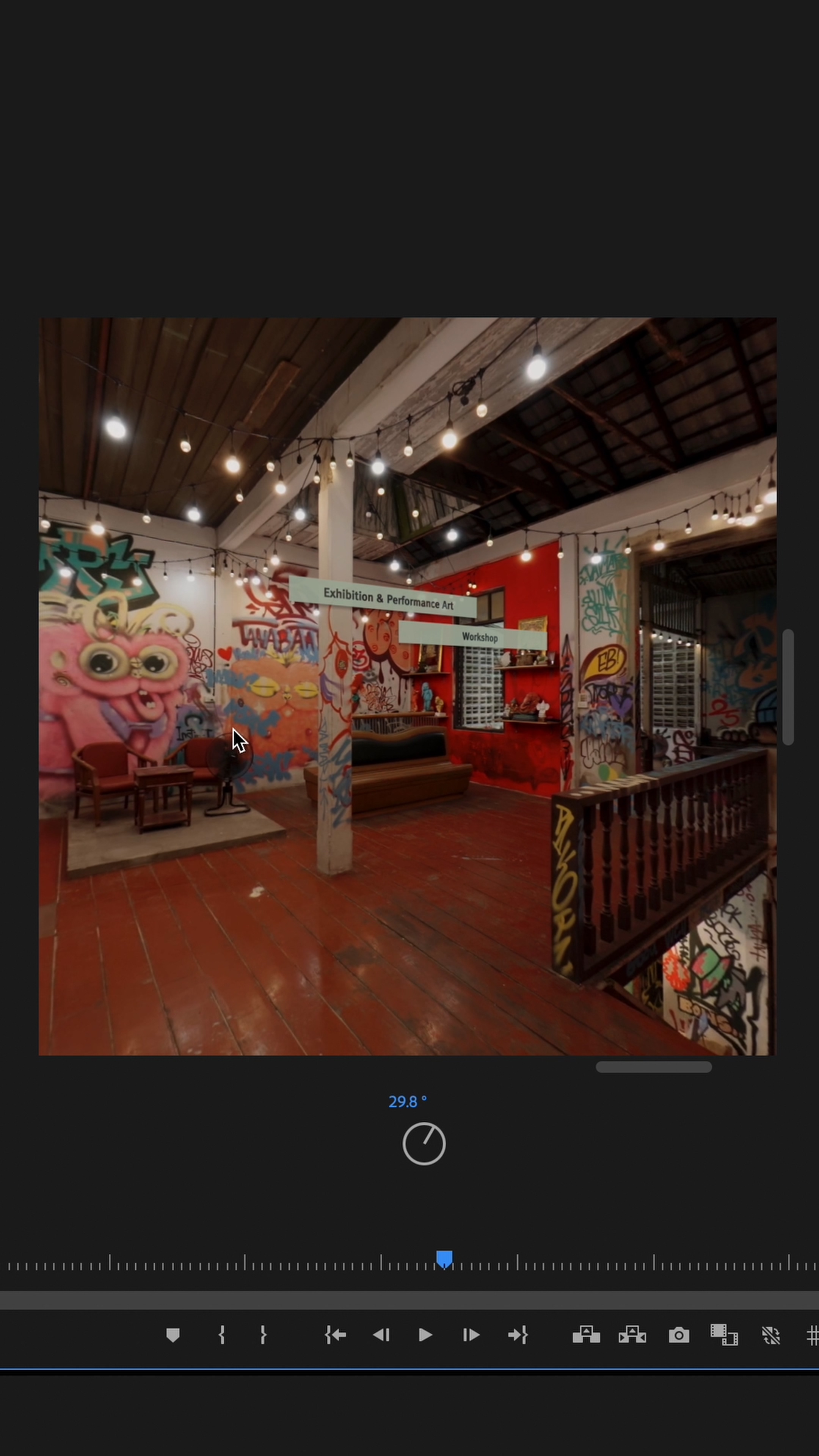
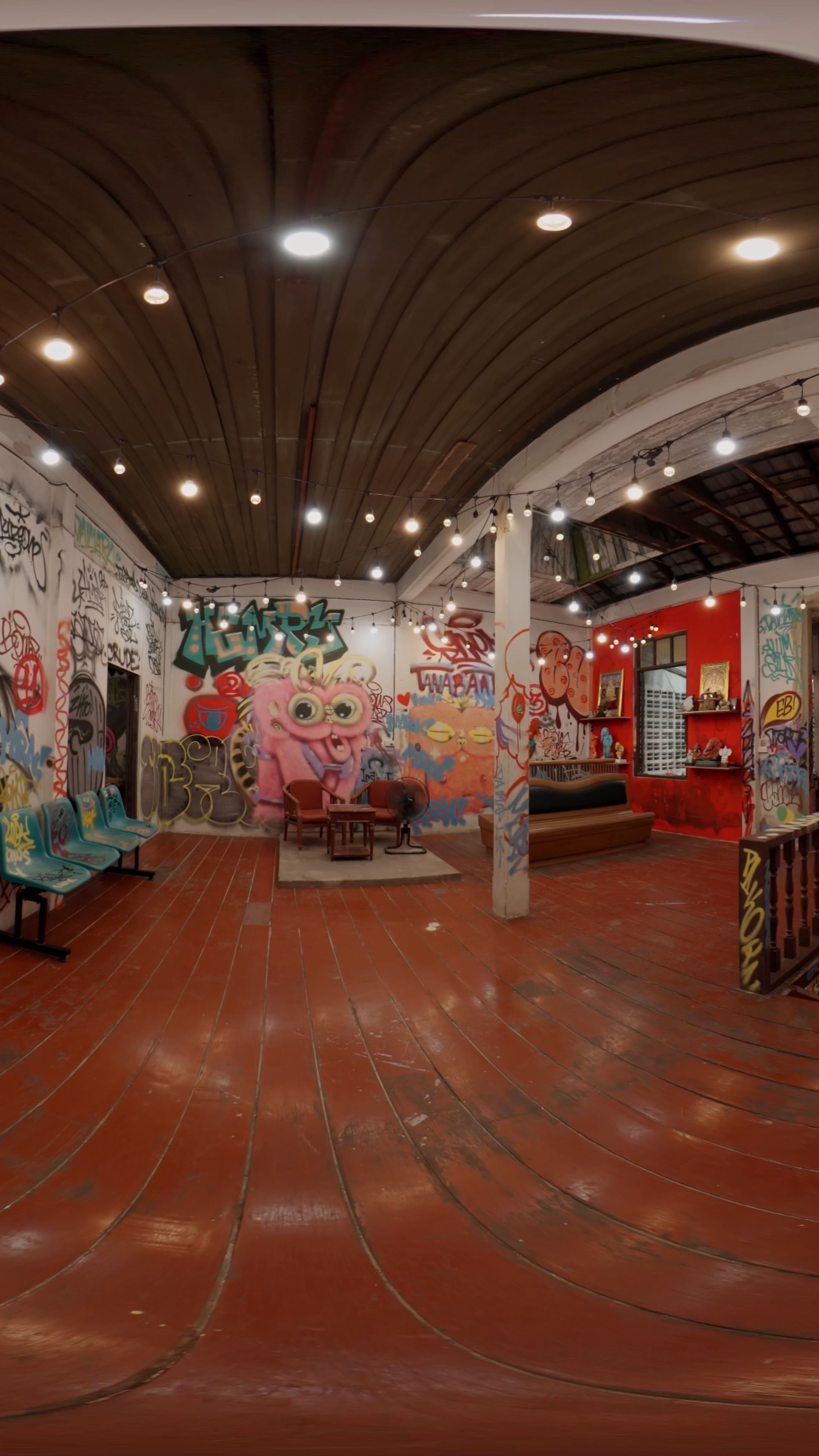
ระหว่างการตัดต่อวิดีโอ VR อีกสิ่งสำคัญที่ไม่ควรมองข้ามคือการดู Preview Video ในระหว่างตัดต่อไปด้วย เพื่อตรวจสอบผลลัพธ์แบบ Real Time
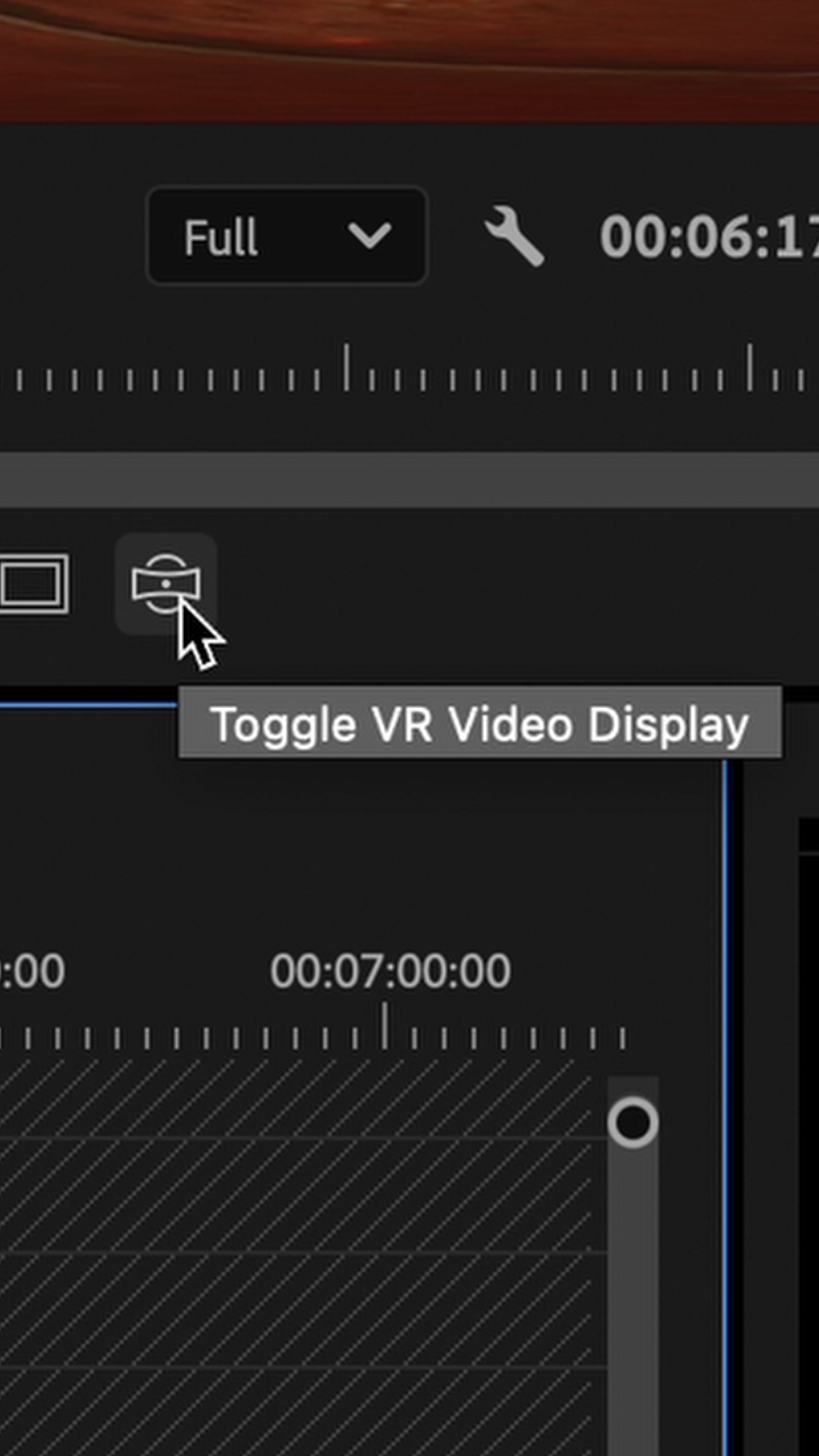
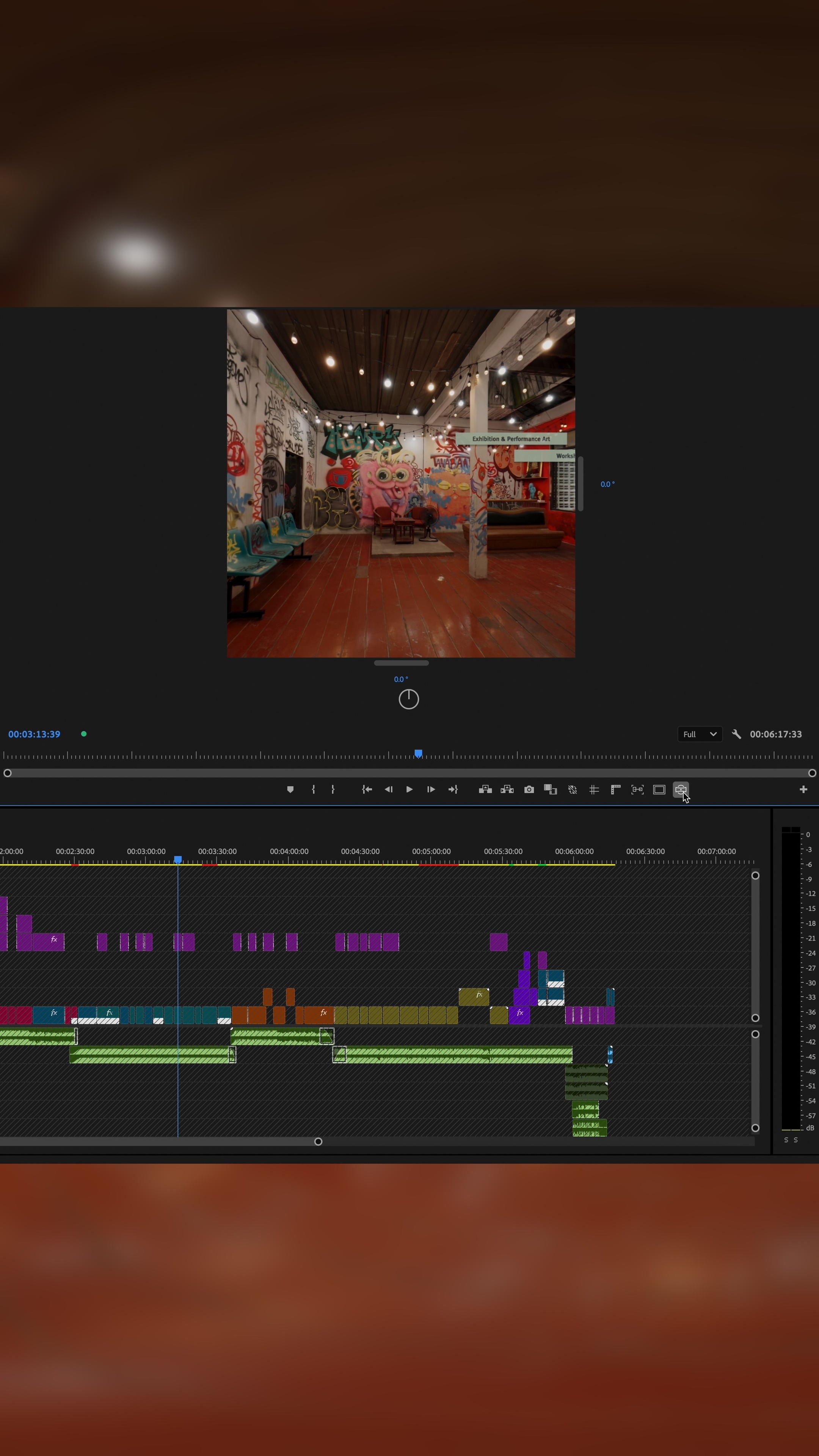
ในโปรแกรม Adobe Premiere Pro เราสามารถเปิดใช้งานโหมด VR Video Display ได้โดยตรง เพื่อดูพรีวิวในรูปแบบ 3 มิติที่มีมุมมองเหมือนสวมแว่น VR อยู่จริง ๆ ทำให้เราสามารถตรวจสอบมุมมอง การแพนภาพ หรือจุดตัดต่าง ๆ ได้อย่างแม่นยำ และแก้ไขได้ตรงจุดมากขึ้น
One crucial step during the VR video editing process is previewing your footage in real time. This allows you to check how the final result will look in an actual 3D environment and make precise adjustments as needed.
In Adobe Premiere Pro, you can enable the VR Video Display mode to preview your video as if you’re wearing a VR headset. This immersive view helps you evaluate angles, pans, and cuts with greater accuracy. By seeing what the viewer will experience, you can make more informed editing decisions and ensure a smoother, more realistic VR presentation.
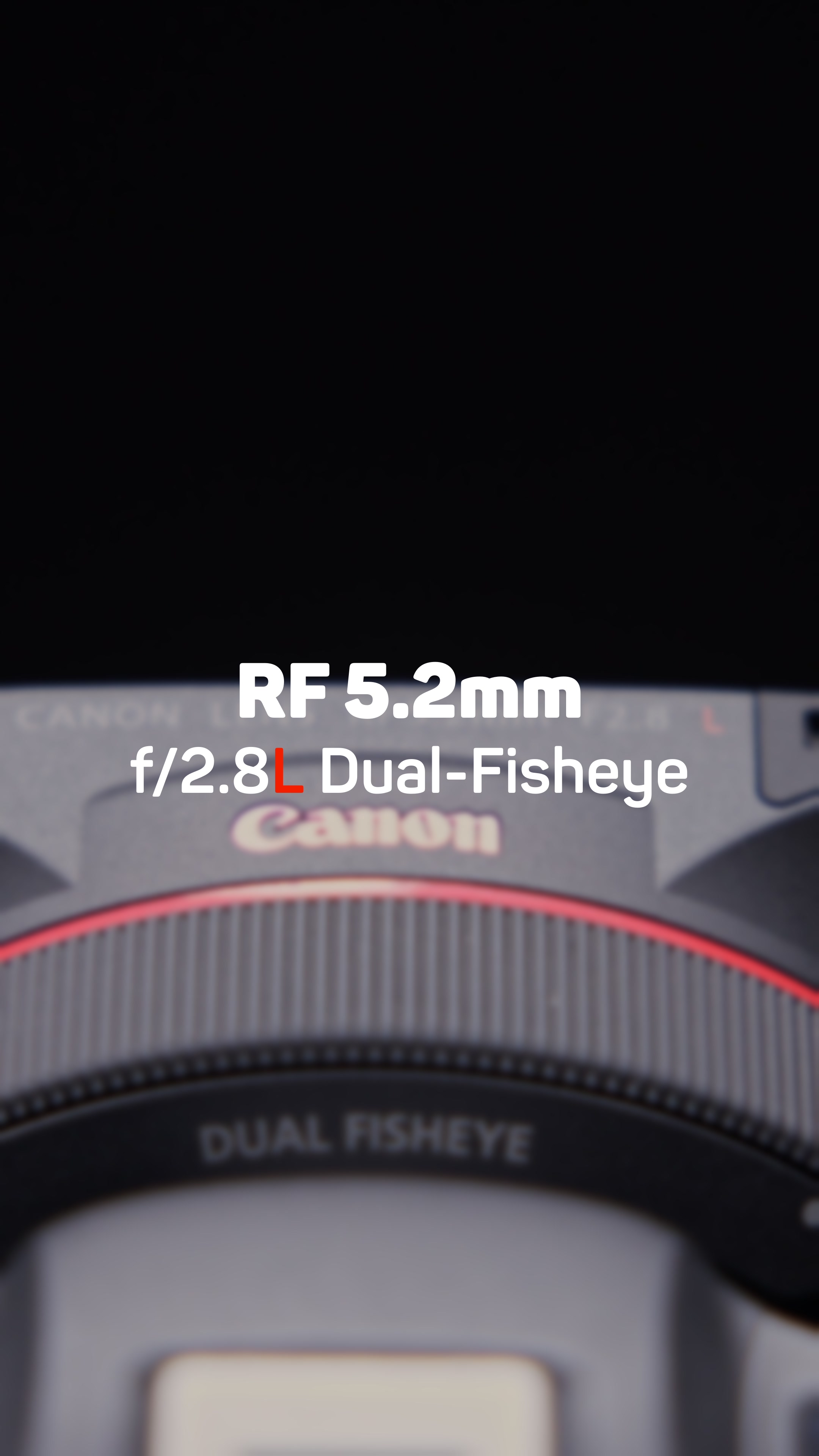
Equipments
Canon R5C • Lens F5.2mm f/2.8L Dual Fisheye

EP03 :: Song Wat Immersive


 W Walkspace