
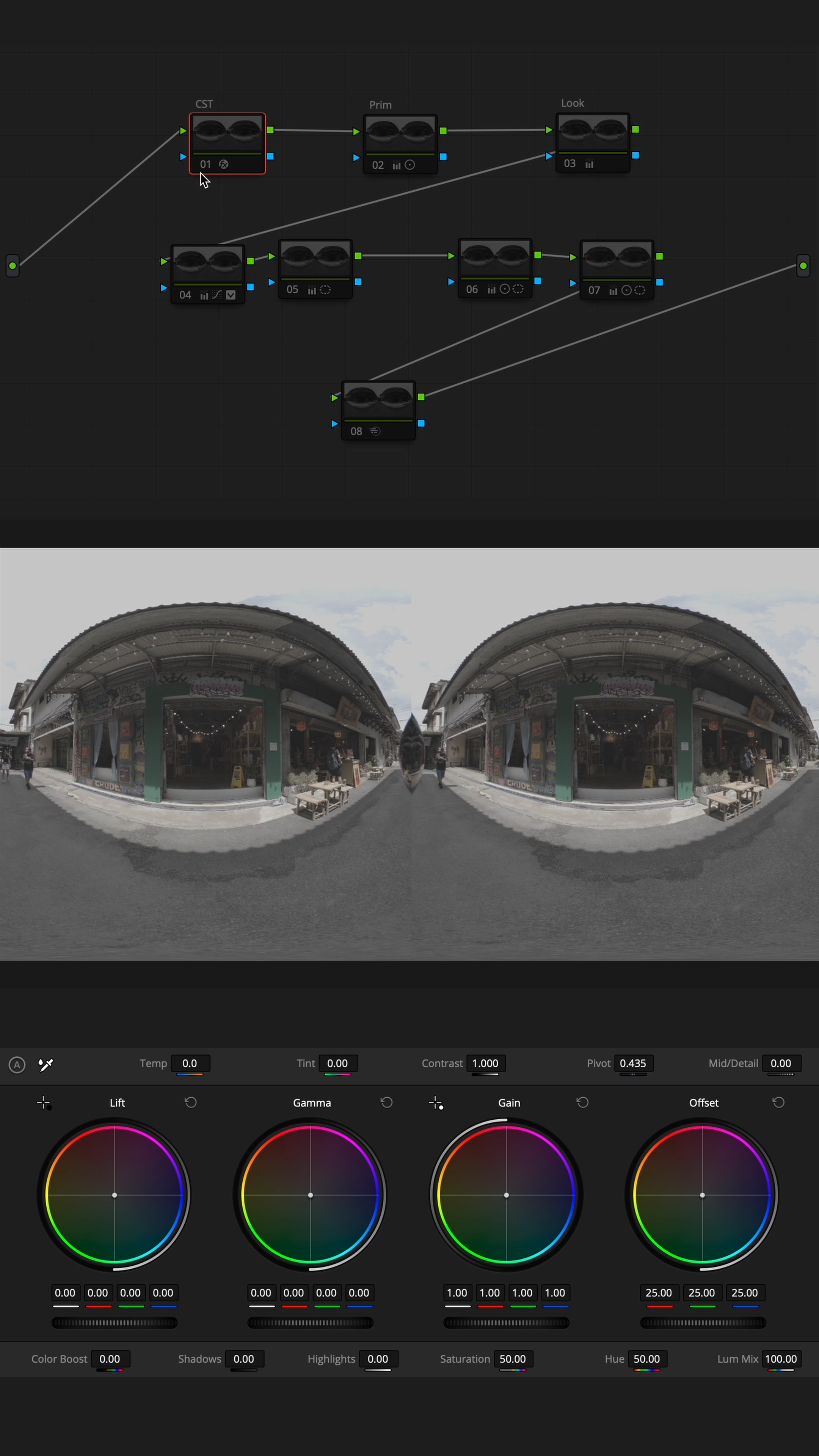
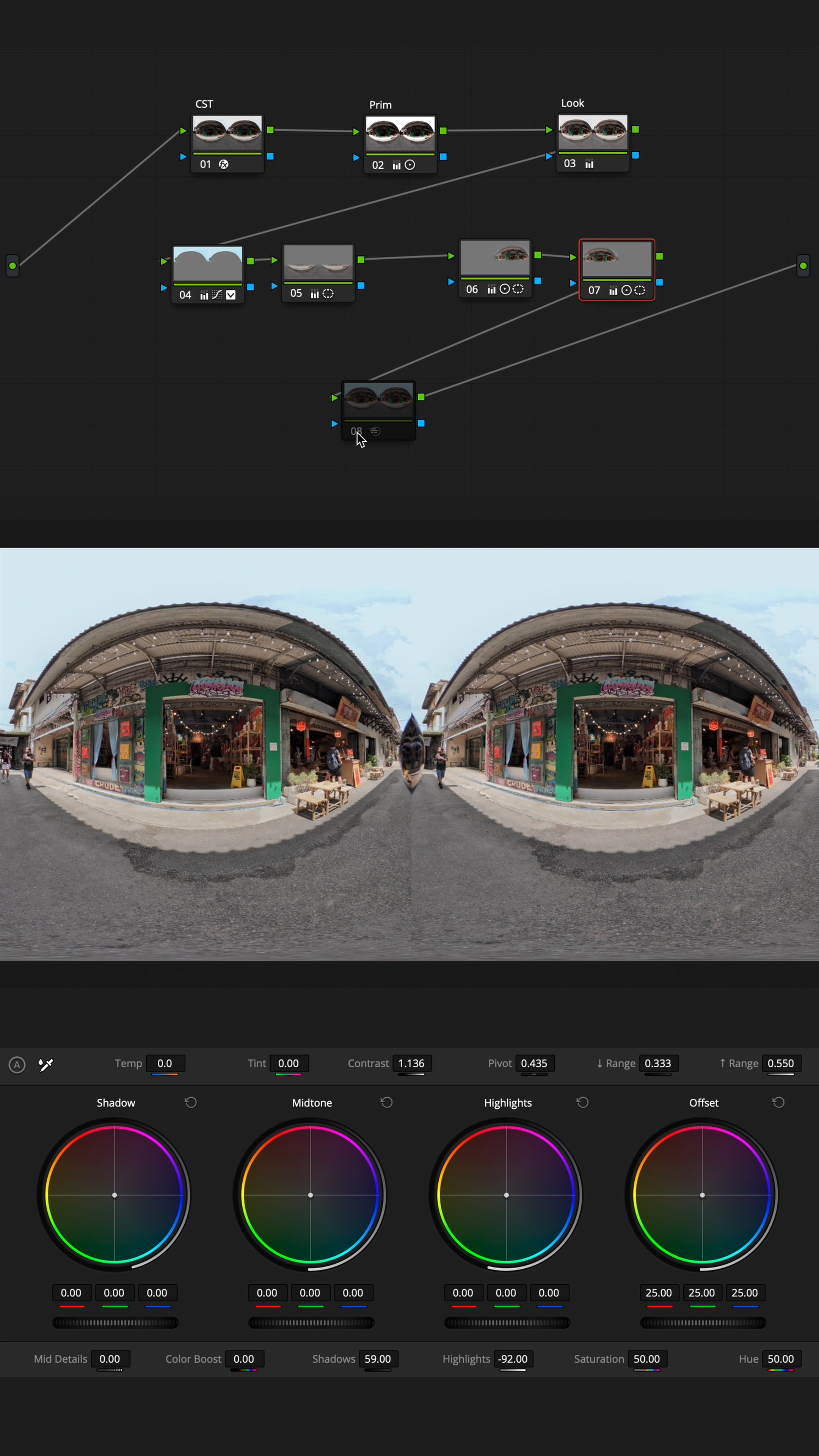
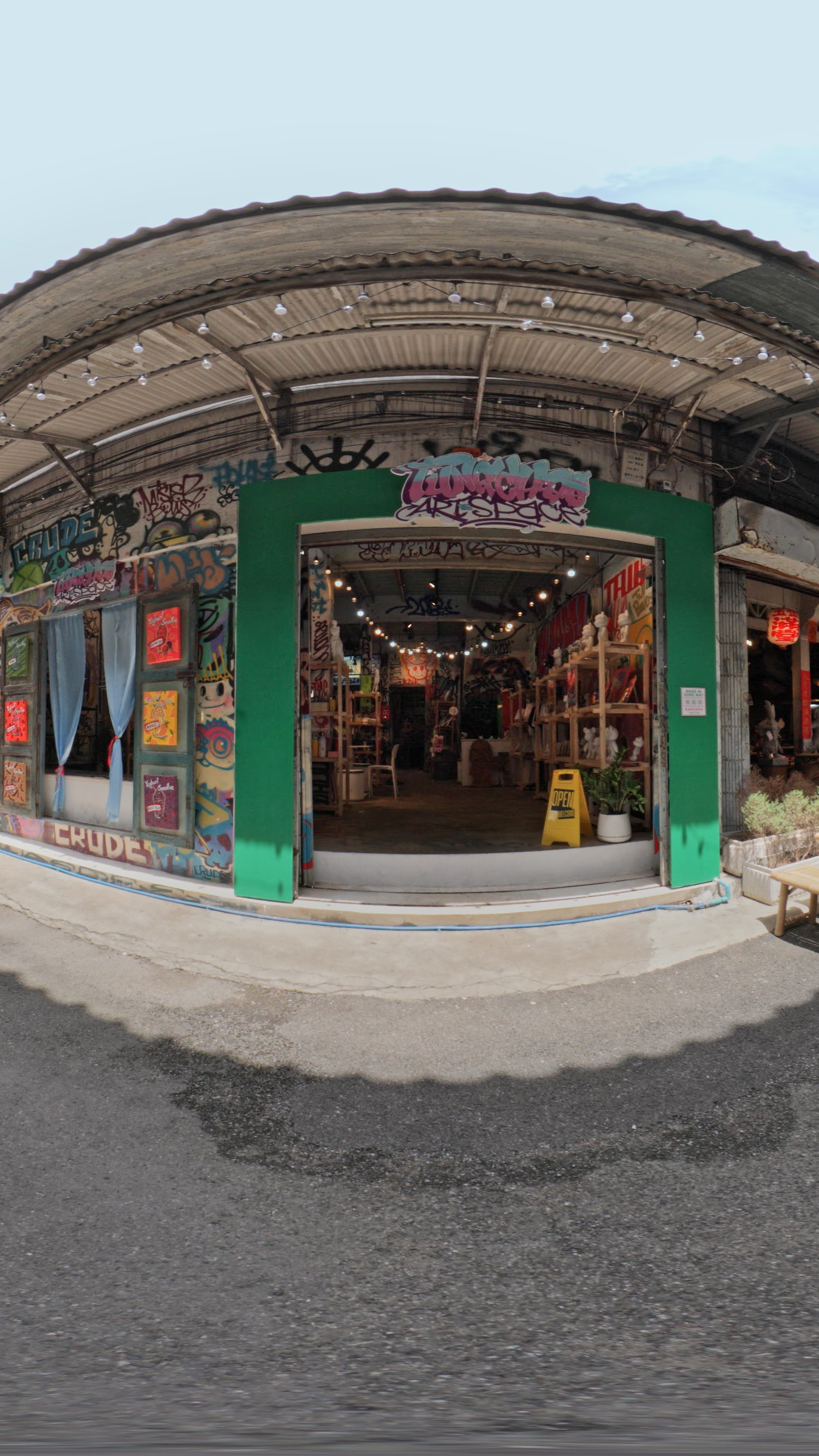
การทำสีวิดีโอ VR จะคล้ายกับการทำสีวิดีโอทั่วไป แต่มีความซับซ้อนเพิ่มขึ้นเล็กน้อย เพราะฟุตเทจที่ได้จากเลนส์ Dual Fisheye จะออกมาเป็นภาพที่โค้ง และแบ่งเป็นสองฝั่ง (ซ้าย-ขวา) สิ่งที่ต้องระวังคือ
• ต้องทำสีทั้งสองฝั่งให้ เท่ากันและสมดุล
• โดยเฉพาะบริเวณ รอยต่อระหว่างสองฝั่ง ที่ถ้าไม่ปรับให้ดี อาจเห็นความแตกต่างของสีหรือแสงชัดเจน
• ในกรณีทำสีแบบ เฉพาะจุด (Selective Color Grading) จำเป็นต้องทำ mask จุดเดียวกันทั้งสองฝั่ง เพื่อให้ภาพออกมาดูเป็นเนื้อเดียวกัน
ถ้าคุมโทนสีให้ดี วิดีโอ VR ของเราจะดูเนียนตาและให้ความรู้สึกเหมือนอยู่ในโลกจริงมากขึ้น
Color grading VR video is similar to grading traditional footage but with a few extra challenges. Because dual fisheye lenses produce curved footage split into left and right hemispheres, you’ll need to handle color carefully across both sides.
Here are the key tips to keep in mind:
• Match color and balance on both sides
Ensure that both the left and right halves have the same exposure and color tone. Pay special attention to the seam where they meet any mismatch in brightness or hue will be very noticeable.
• Use mirrored masks for selective grading
If you’re isolating a specific area for example, darkening the sky or boosting a subject’s face apply the same mask to the corresponding spot on the opposite hemisphere. That way, any localized adjustments will blend seamlessly.
Maintaining consistent color across the entire spherical canvas leads to a more immersive and realistic viewing experience. The smoother the visual flow, the more genuinely transported your audience will feel.
Equipments
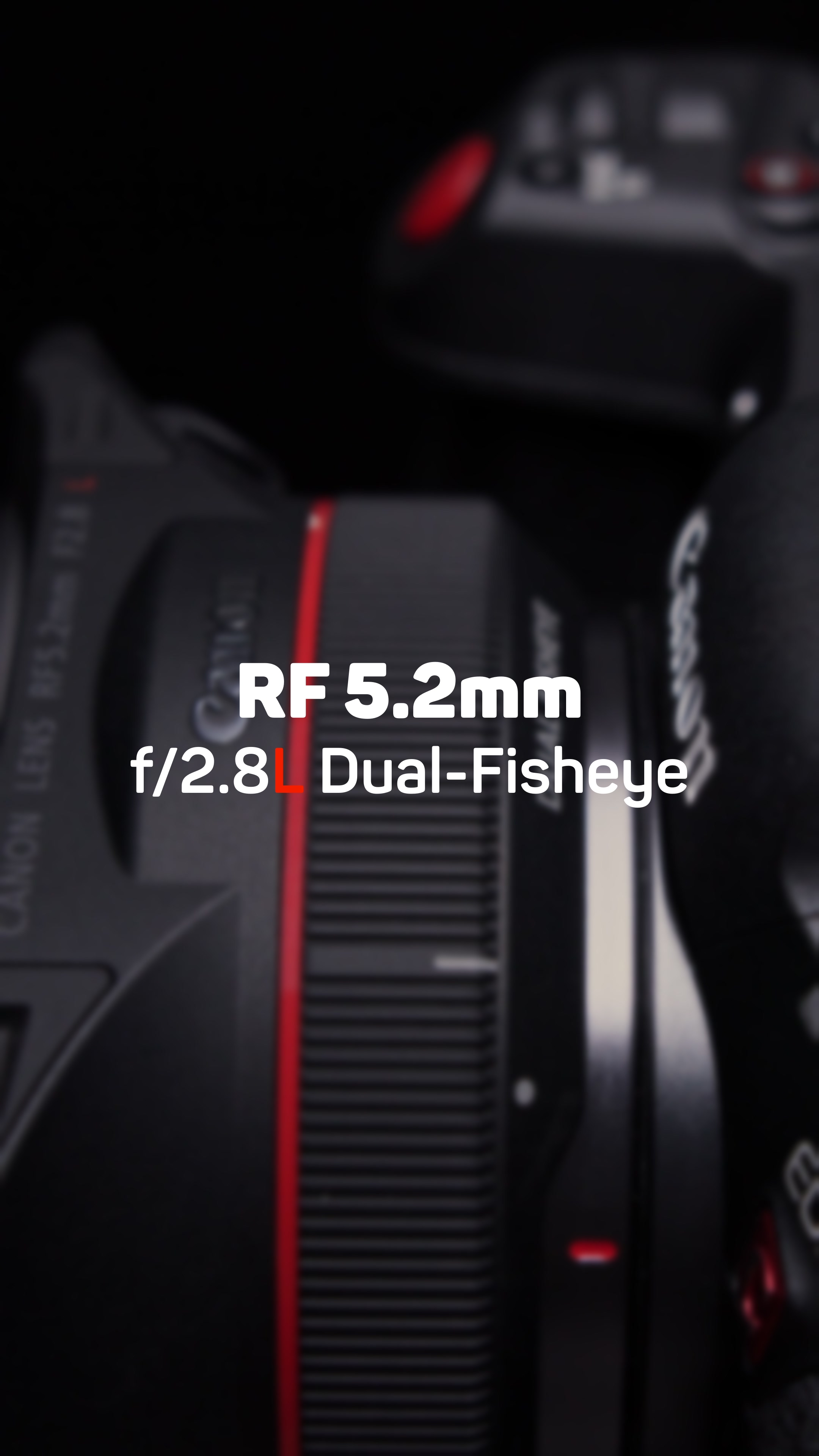
Canon R5C • Lens F5.2mm f/2.8L Dual Fisheye

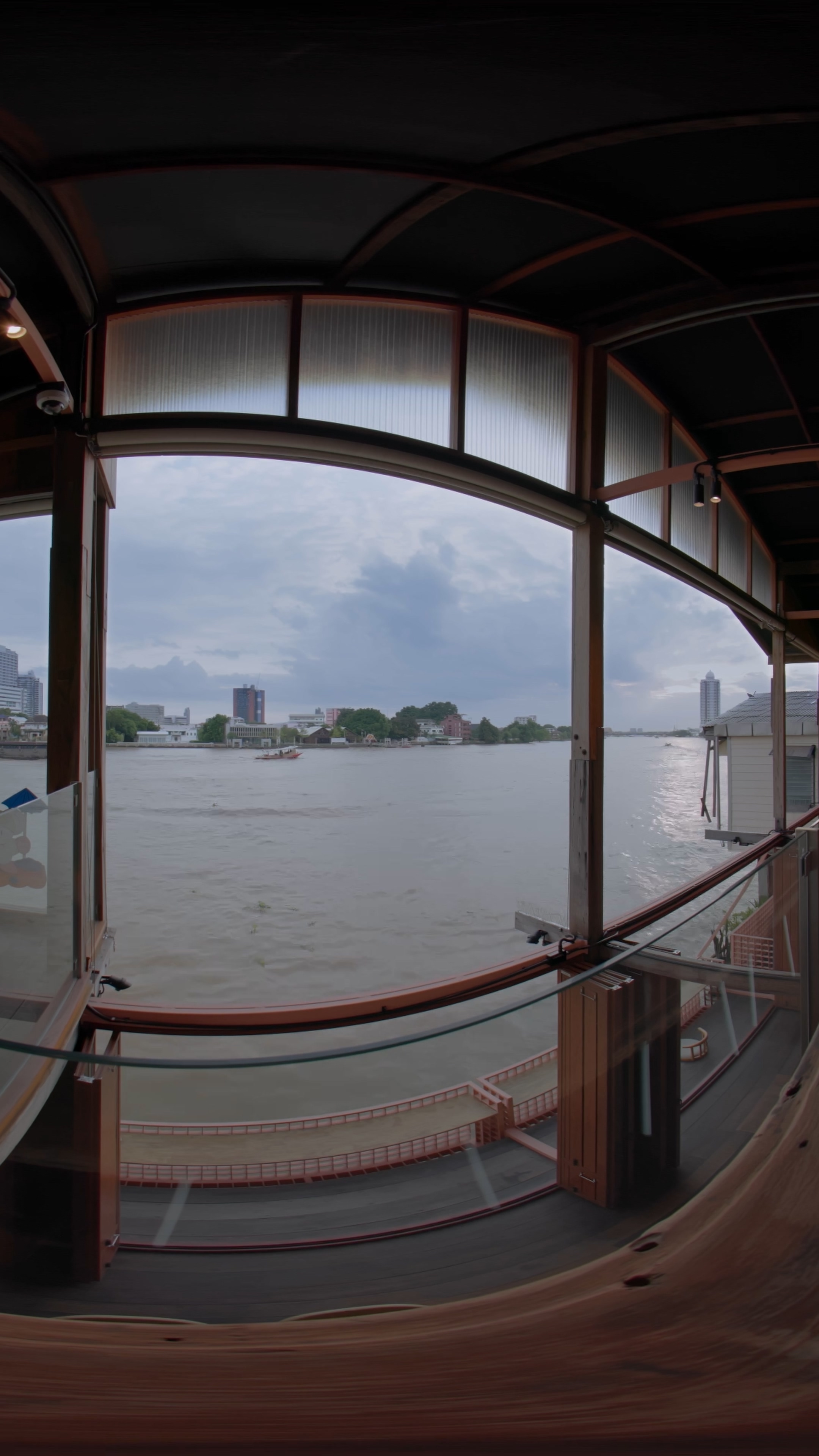
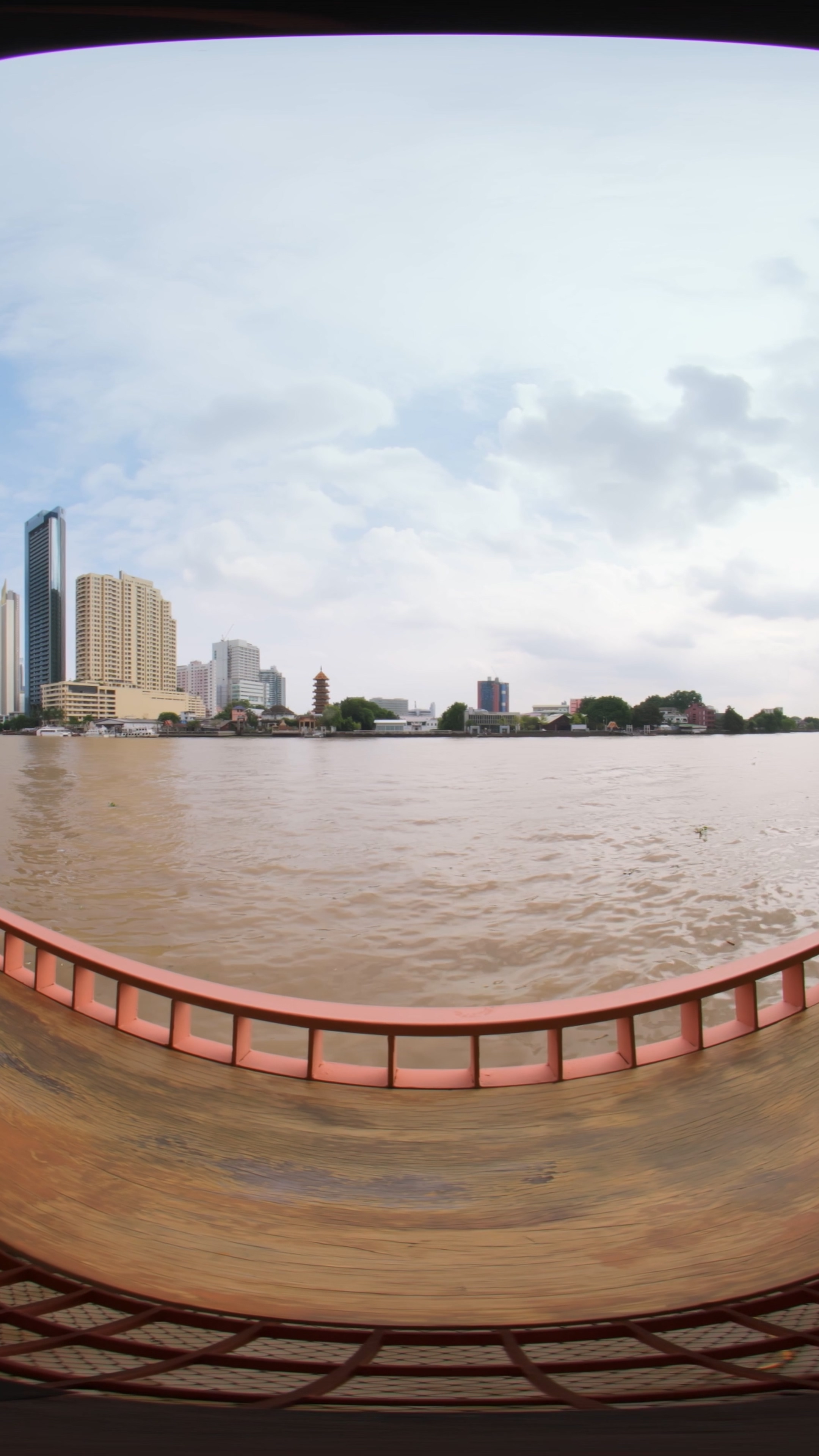

EP03 :: Song Wat Immersive


 W Walkspace