
ก่อนจะเริ่มถ่ายวิดีโอแบบ VR ด้วยเลนส์ Dual Fisheye การตั้งค่ากล้องให้พร้อมก่อนถ่ายมีไม่กี่ขั้นตอนที่ควรรู้ เพื่อให้ได้ภาพที่คุณภาพดี และนำไปใช้งานต่อได้แบบไม่มีปัญหา:
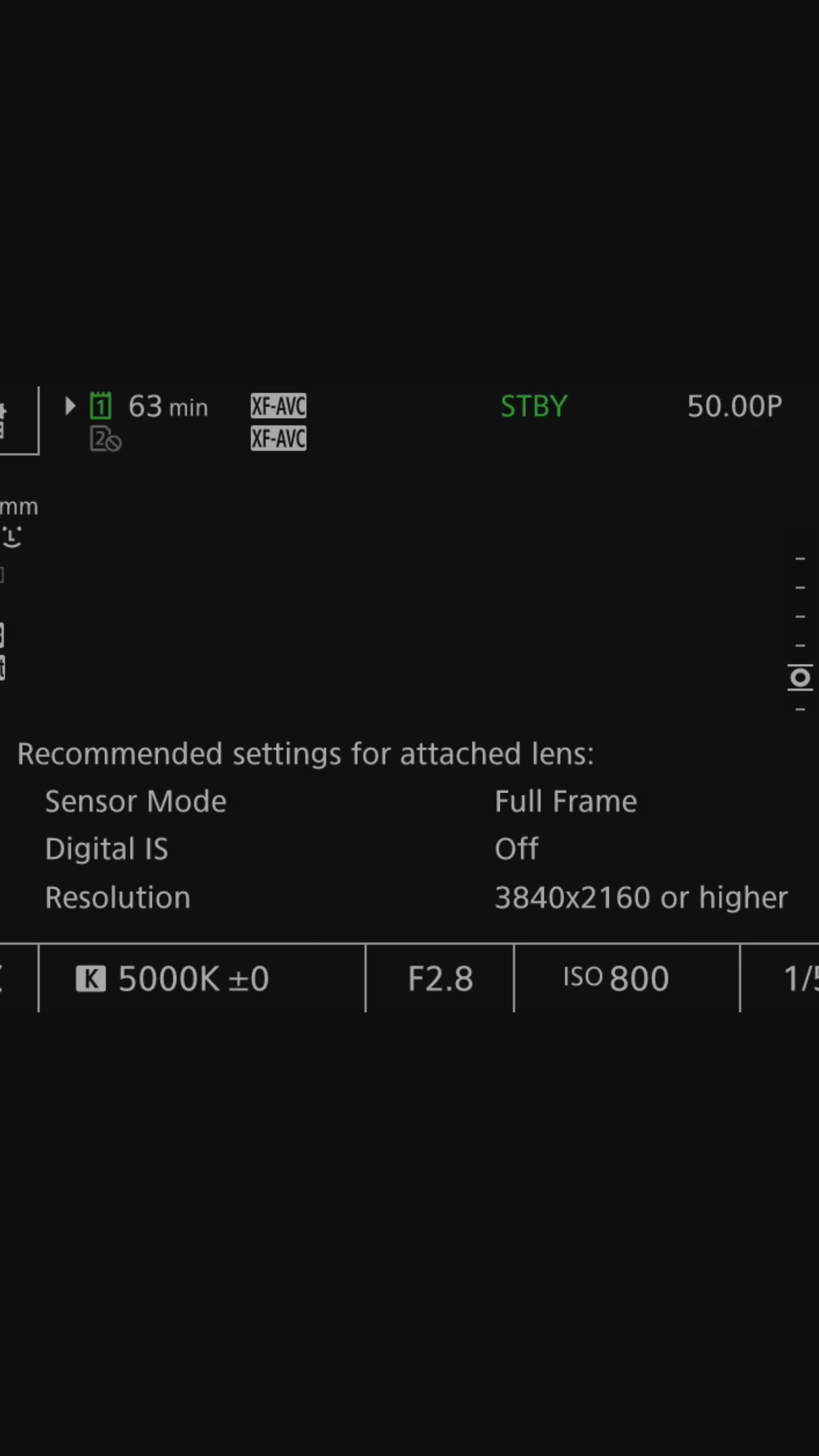
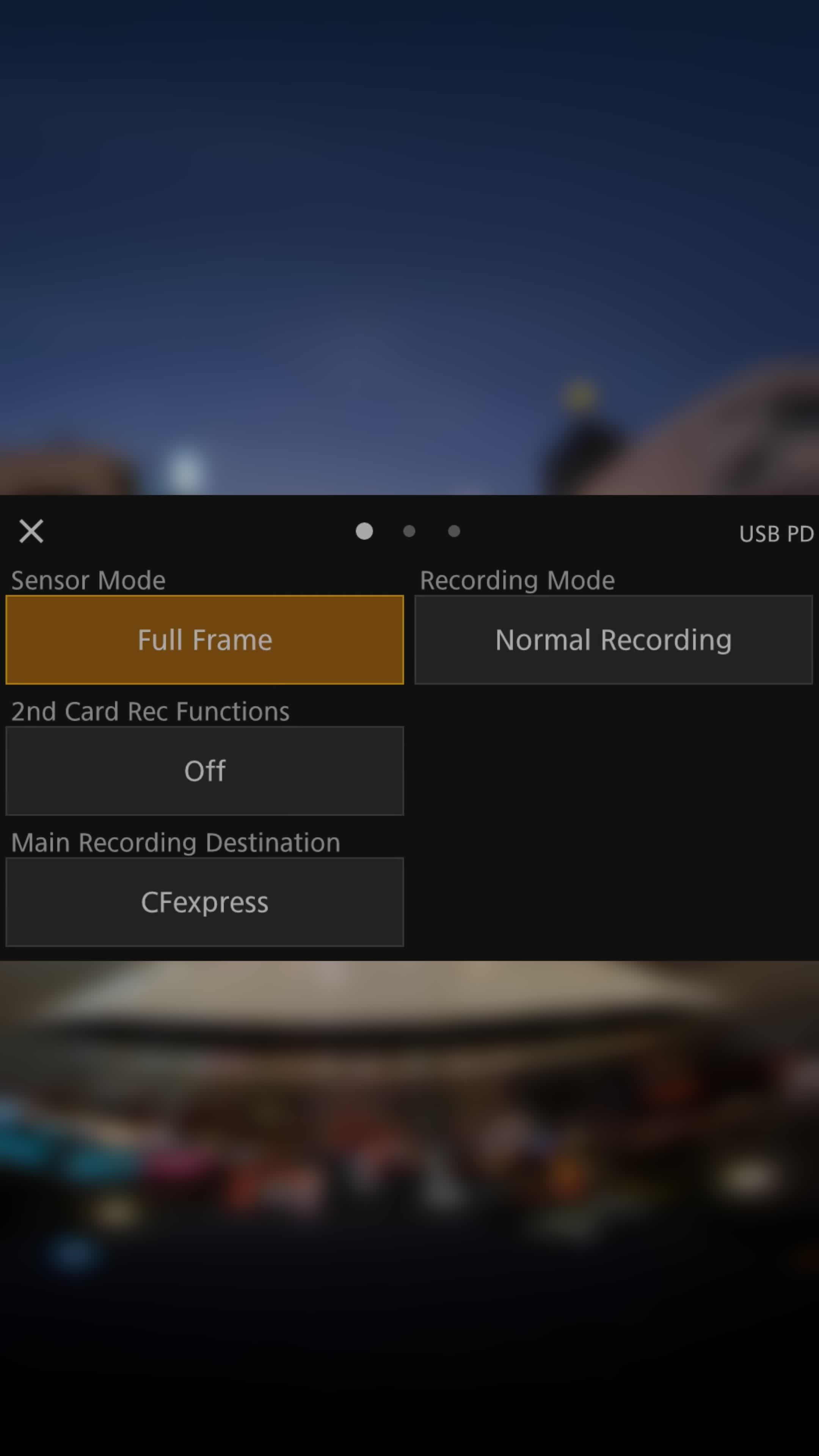
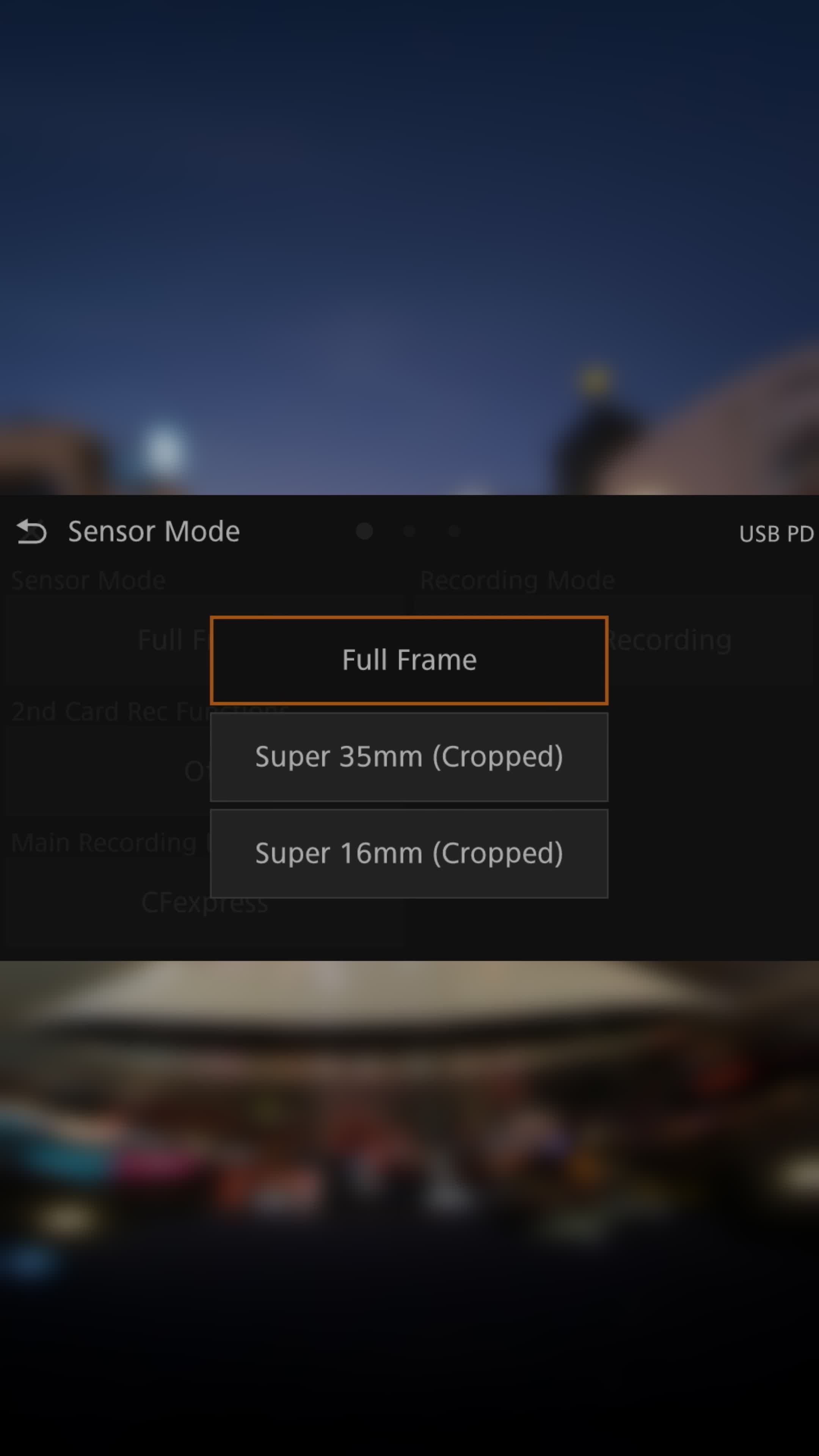
• ตั้งค่าเซนเซอร์ให้เป็น Full Frame
เพื่อให้ได้ภาพแบบเต็มๆ ครอบคลุมทั้งวงกลมของเลนส์
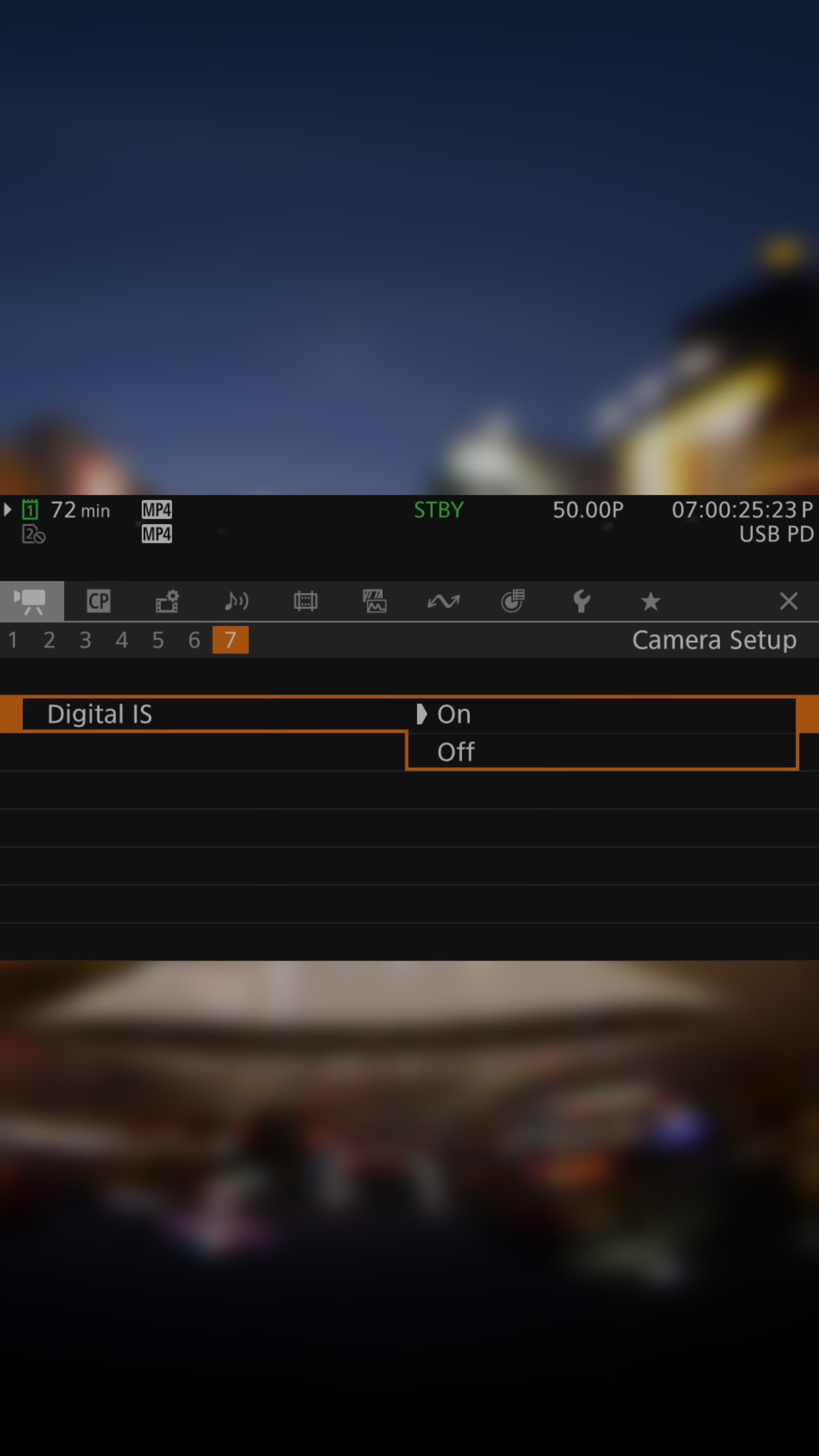
• ปิดระบบกันสั่น (IS)
ถ้าเปิดไว้ ระบบอาจ crop ภาพบางส่วนออก ทำให้ได้เฟรมไม่ครบตามที่ต้องการ
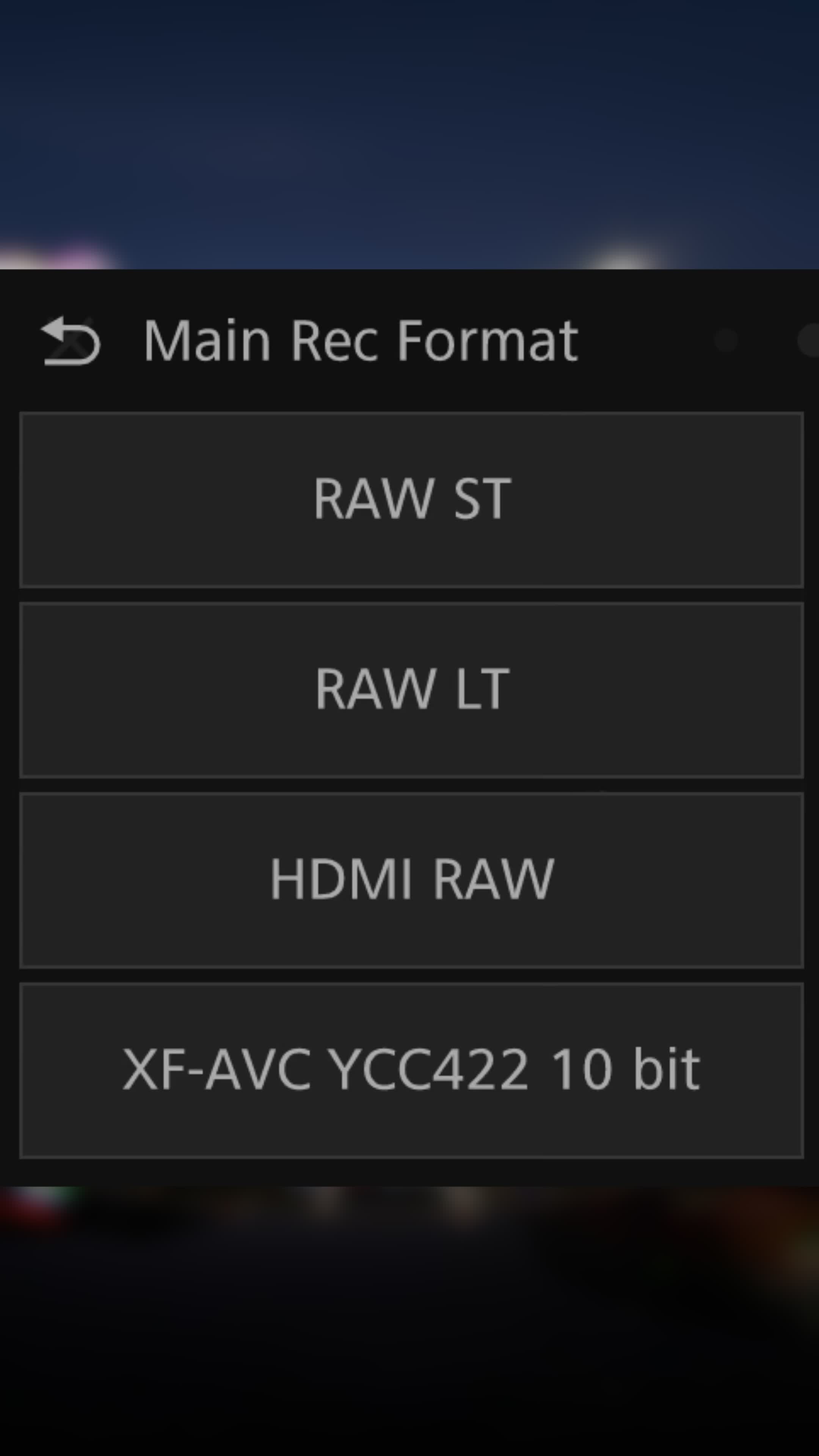
• เลือกบันทึกเป็น RAW หรือ MP4 เท่านั้น
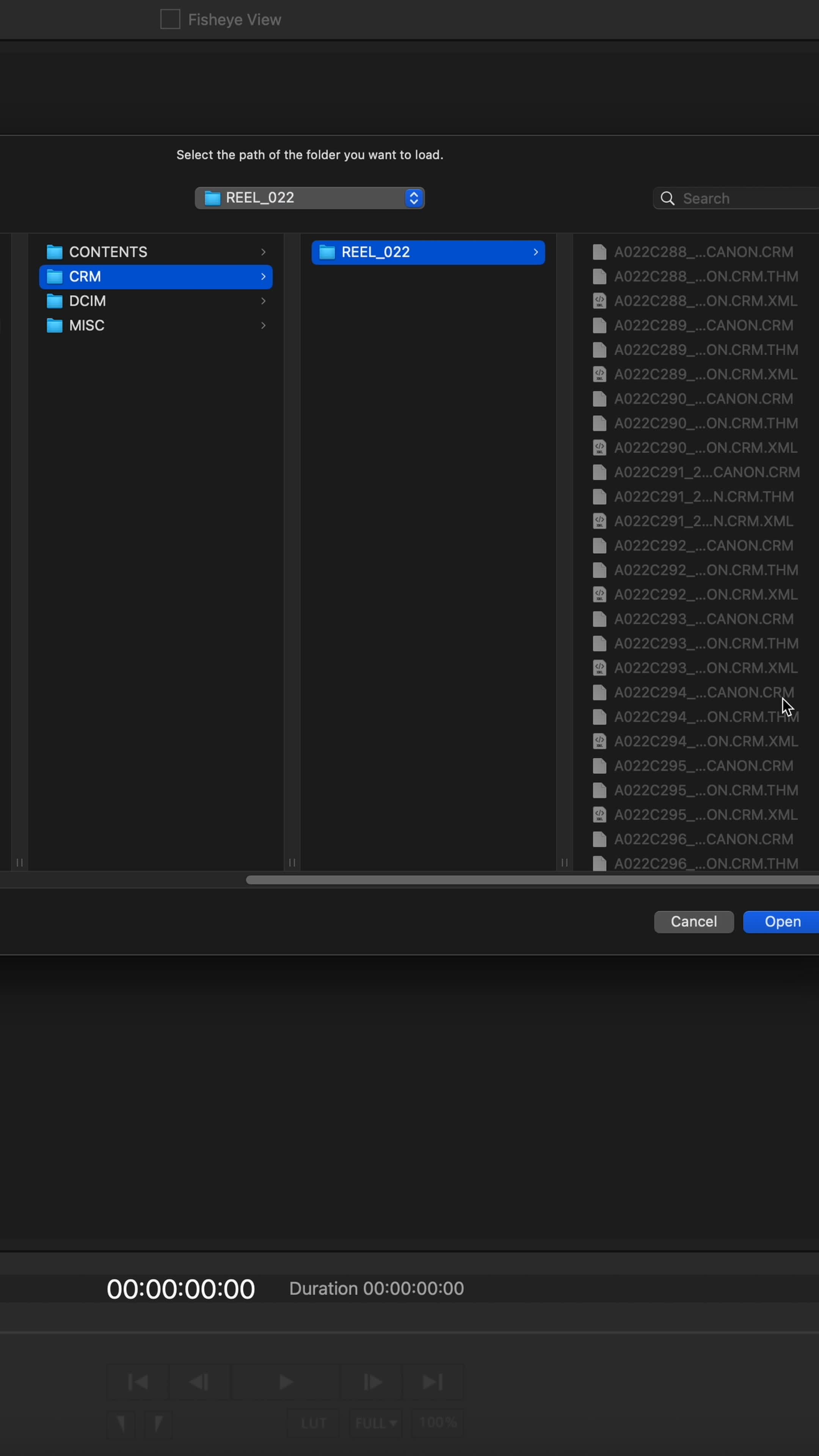
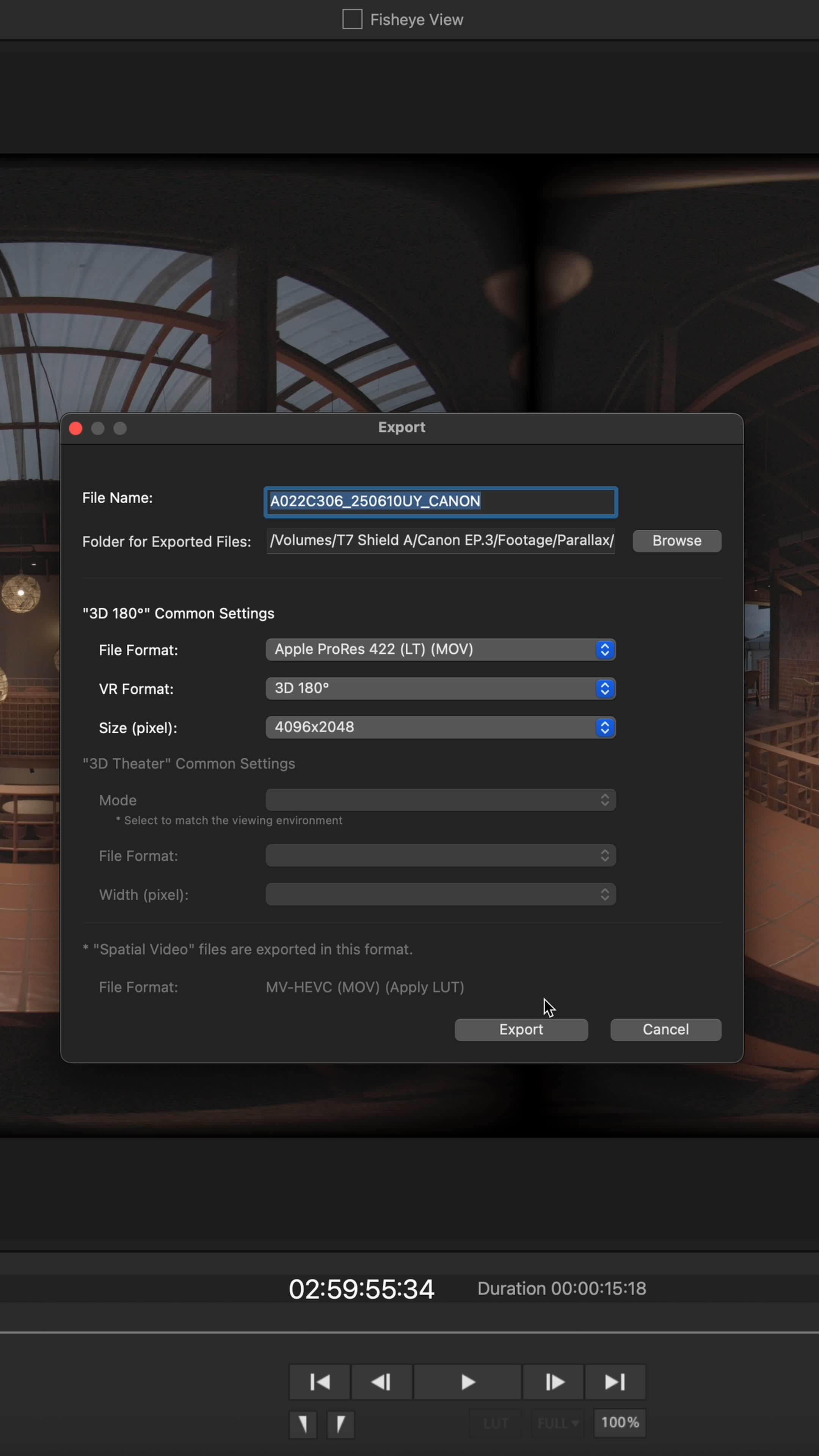
สองฟอร์แมตนี้จะใช้งานร่วมกับโปรแกรม EOS VR Utility ได้แบบไม่มีสะดุด
Before you start shooting VR footage with a Dual Fisheye lens, there are a few essential camera settings you should configure to ensure high-quality results and smooth post-production:
• Set the sensor to Full Frame
This ensures that you capture the entire image circle from the lens, maximizing the visual coverage.
• Turn off Image Stabilization (IS)
Leaving IS on may cause the camera to crop parts of the image, which can result in incomplete or distorted frames something you definitely want to avoid in VR.
• Choose either RAW or MP4 as your recording format
These two formats are fully compatible with the EOS VR Utility software, making the post-production process much more seamless.
Equipments
Canon R5C • Lens F5.2mm f/2.8L Dual Fisheye
EP03 :: Song Wat Immersive


 W Walkspace