
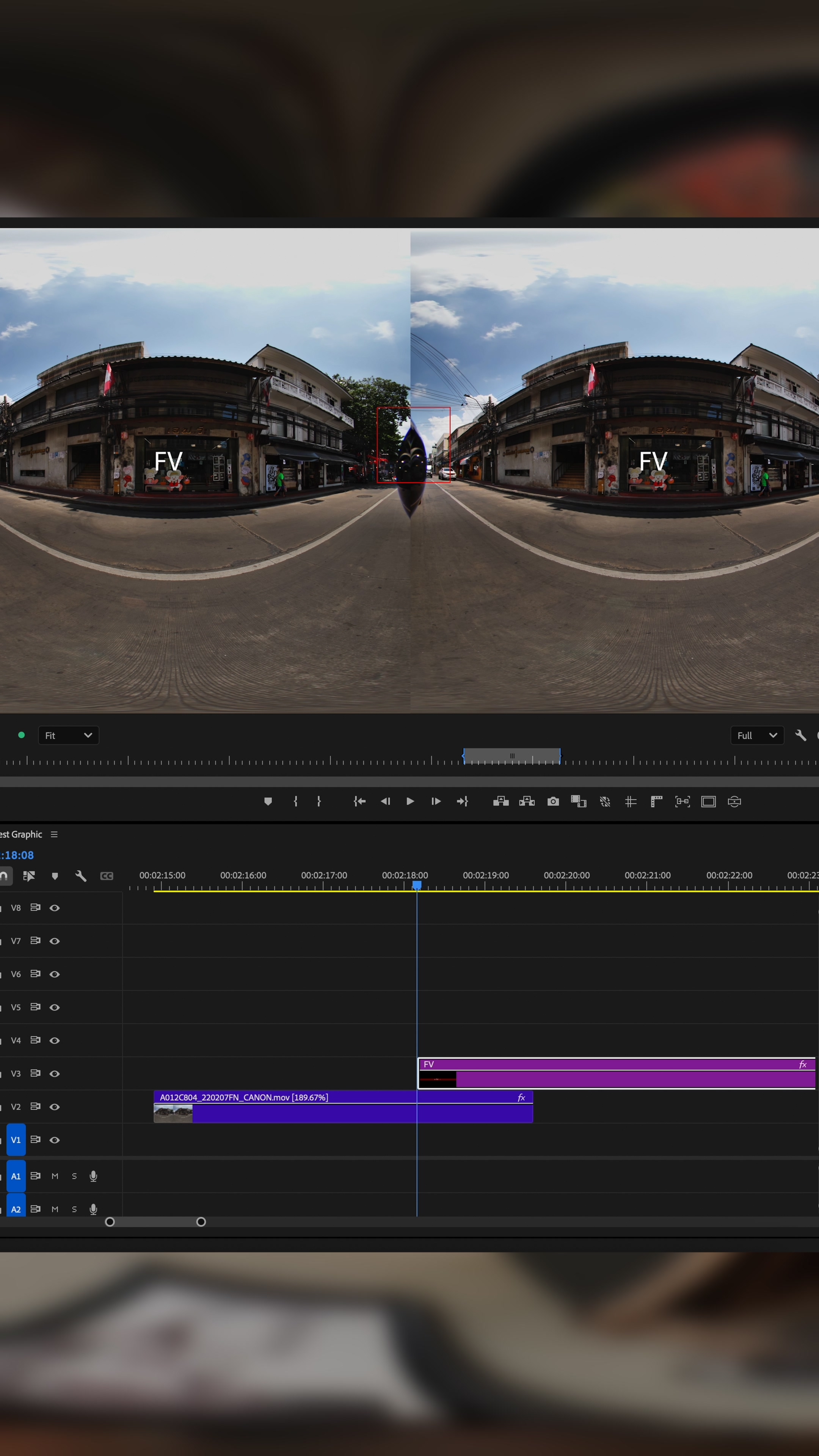
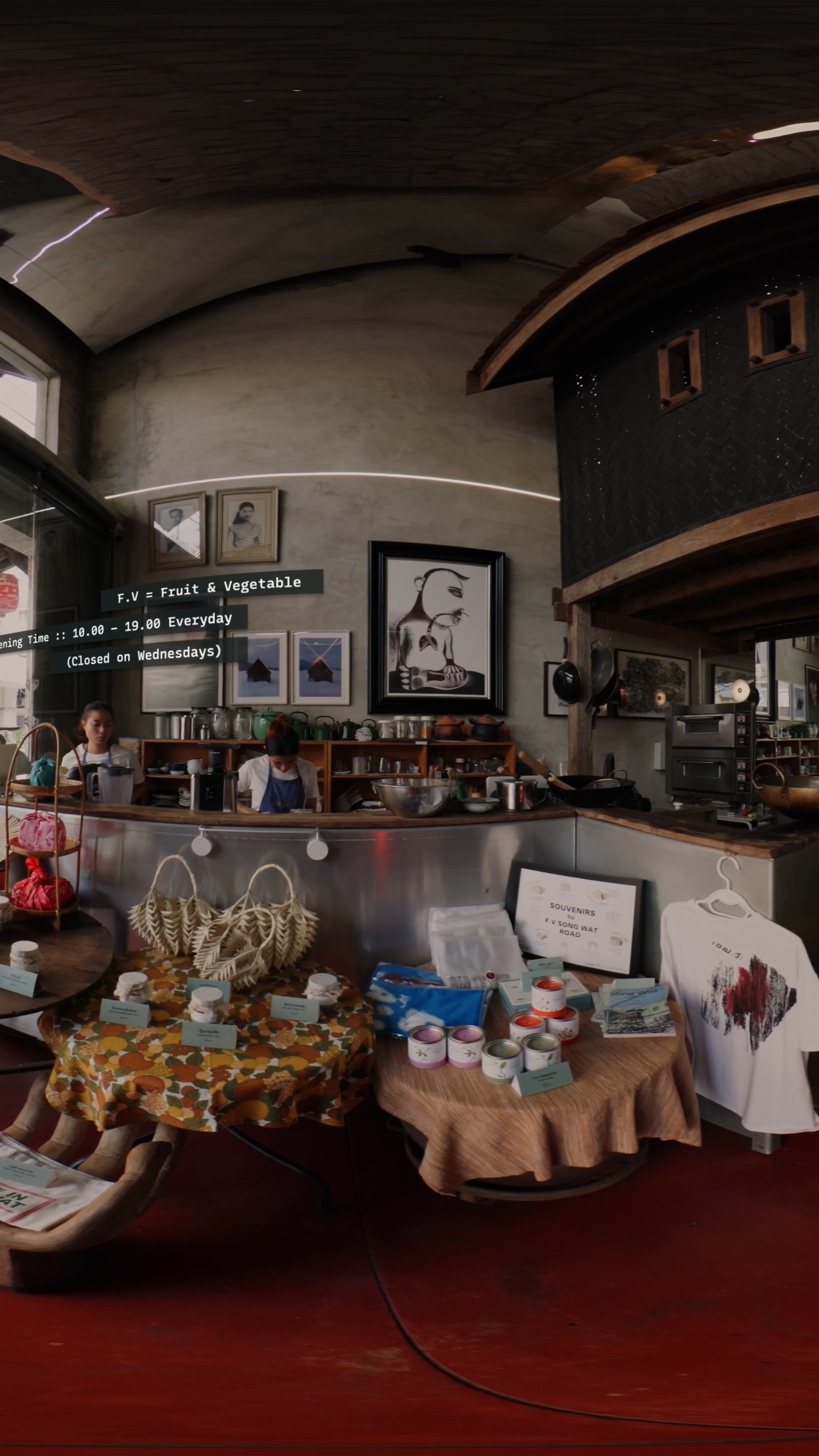
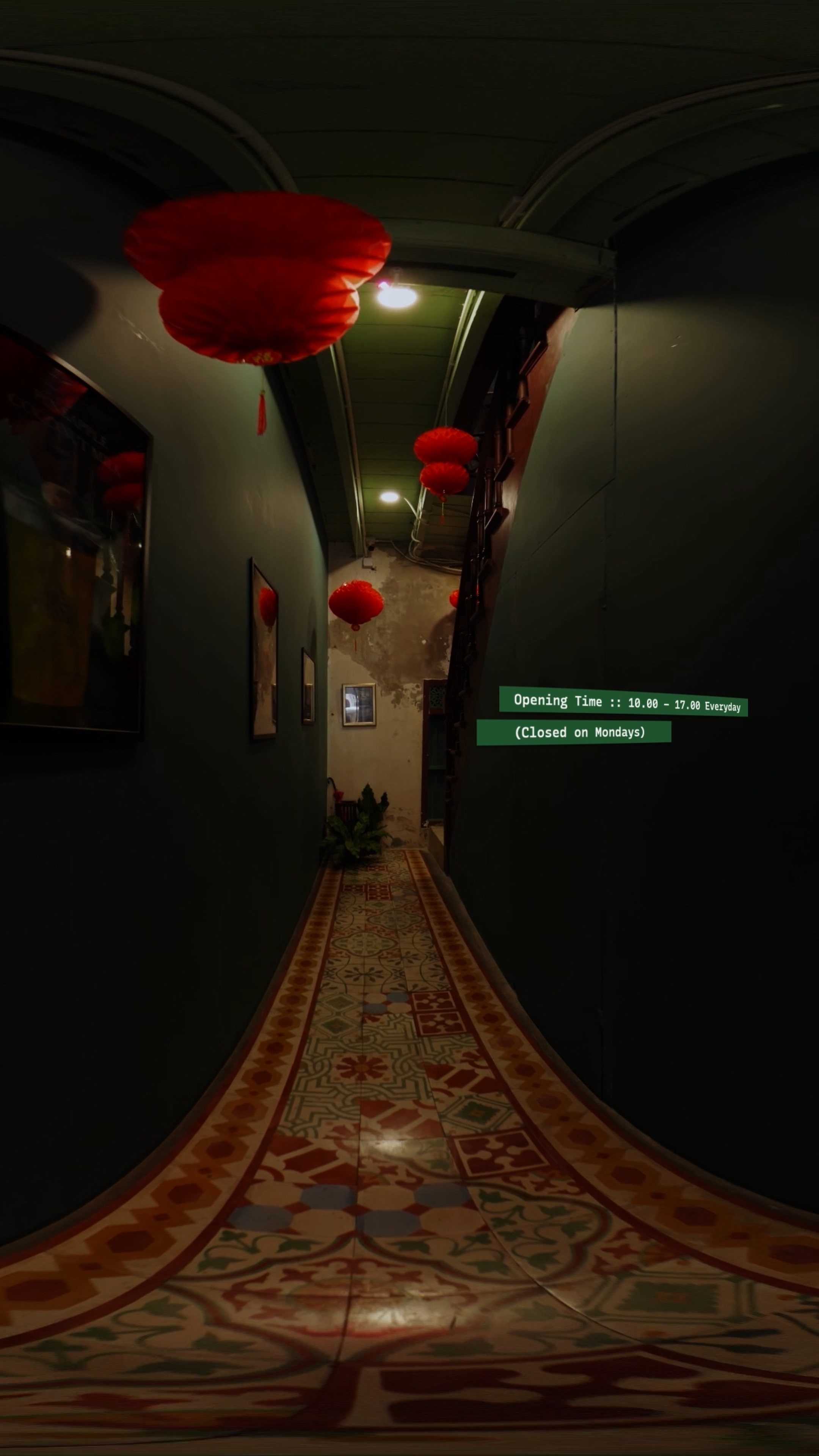
การใส่กราฟิกข้อความในวิดีโอ VR ให้ดูสบายตา ต้องระวังมากกว่าปกติ เพราะการวางตำแหน่งข้อความในมุมมอง 3 มิติ จะมีผลต่อการมองเห็นและการรับรู้ต่างจากวิดีโอทั่วไป มีขั้นตอนง่ายๆ คือ
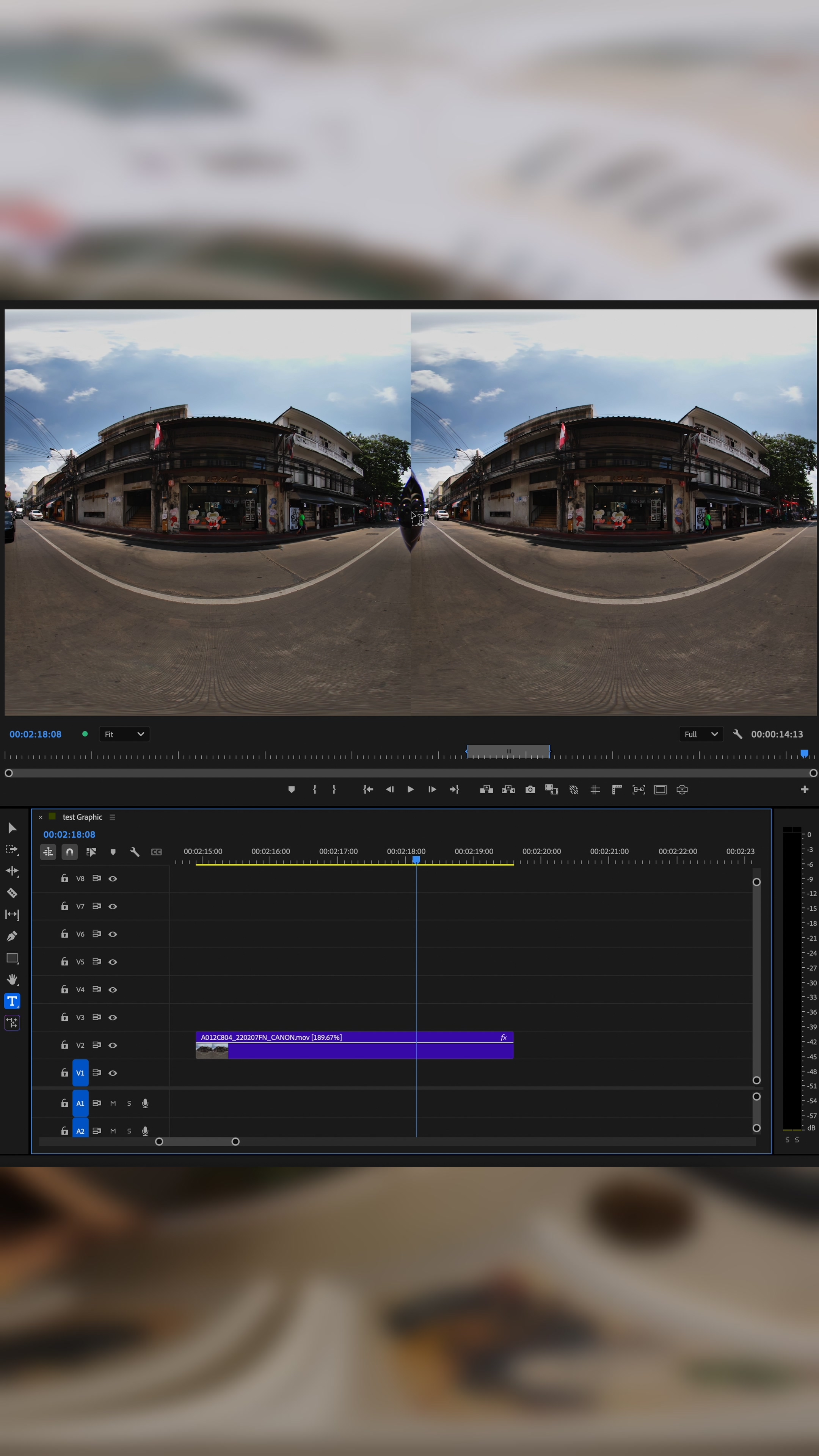
1. สร้าง Layer Text ขึ้นมาในโปรแกรมตัดต่อ
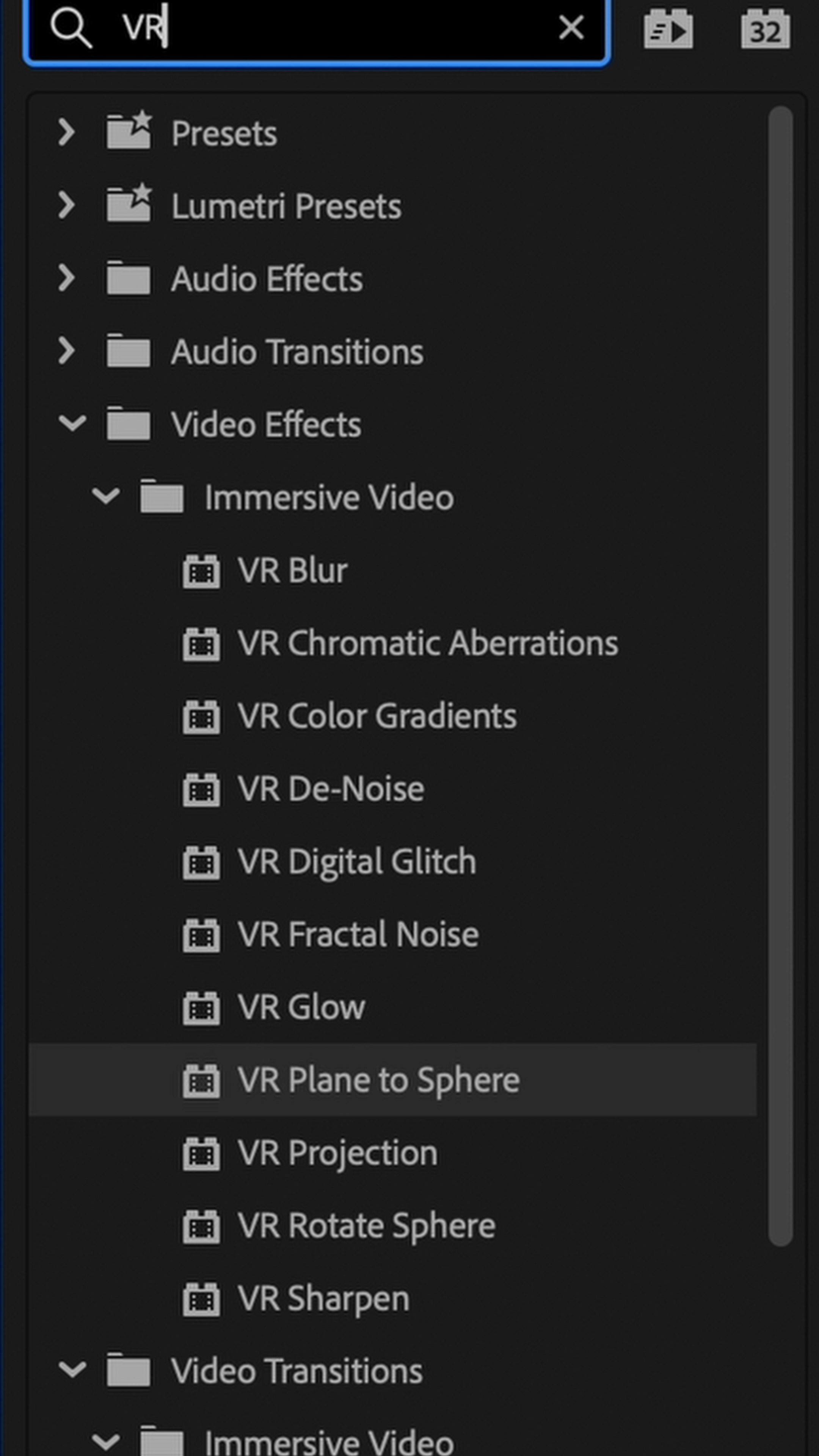
2. ใช้เอฟเฟค VR Plane to Sphere เพื่อปรับให้ข้อความโค้งรับกับภาพ VR
3. วางตำแหน่งข้อความให้อยู่ในระยะที่เหมาะสม ไม่ใกล้หรือไกลเกินไป เพื่อให้คนดูอ่านได้อย่างราบรื่น
When adding text graphics to a VR video, extra care is needed to ensure comfortable readability. Unlike traditional video, the placement of text in a 3D space affects how viewers perceive and interact with it. Here’s a simple step by step guide:
1. Create a text layer in your video editing software.
2. Apply the VR Plane to Sphere effect to wrap the text naturally with the VR footage.
3. Position the text at a suitable distance not too close or too far so that it appears smooth and legible within the viewer’s field of vision.
By aligning your text with the VR environment, you help maintain immersion while still conveying key information effectively.
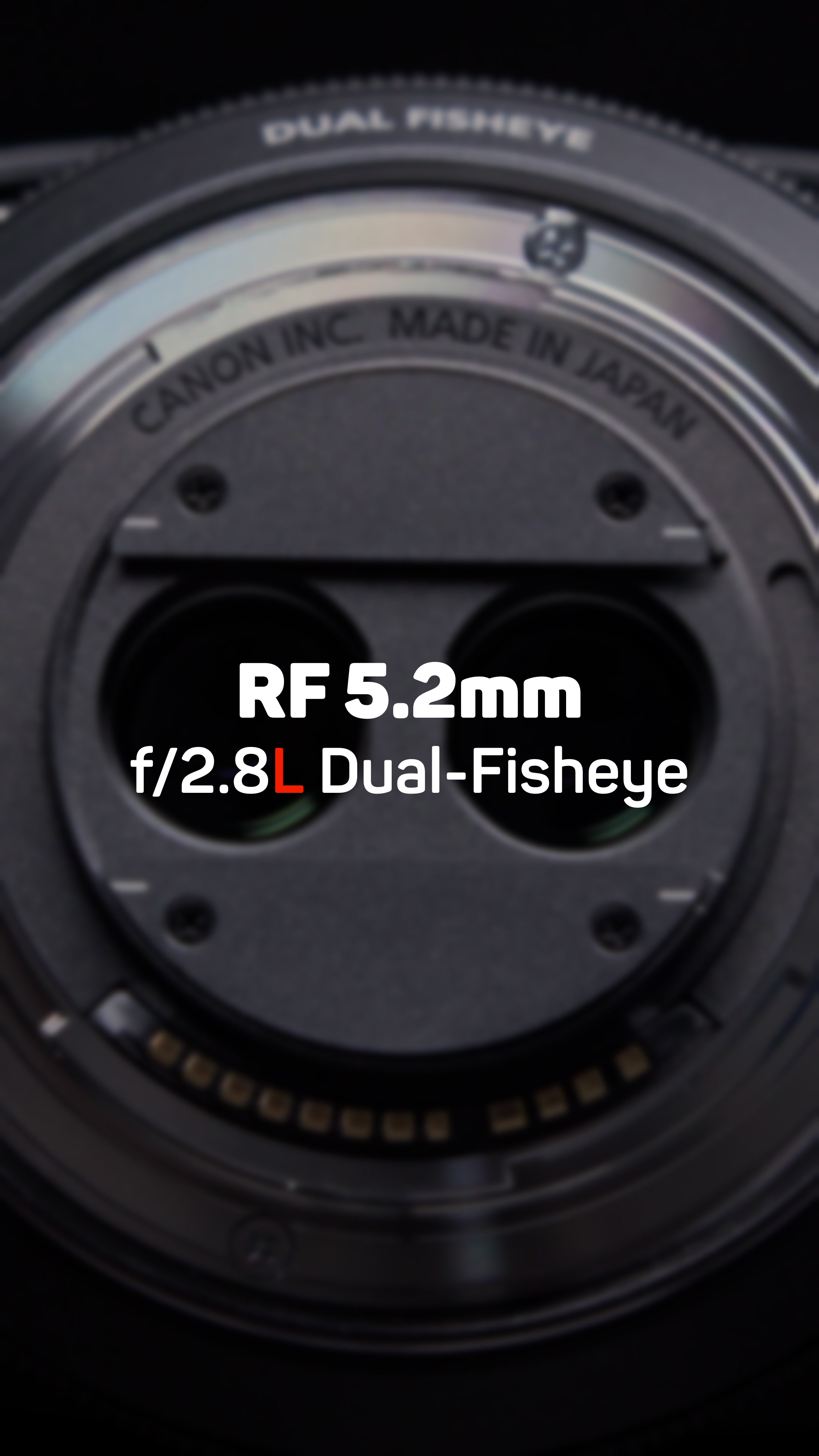
Equipments
Canon R5C • Lens F5.2mm f/2.8L Dual Fisheye
EP03 :: Song Wat Immersive


 W Walkspace