
‘Frame Rate’ เป็นคำที่มักจะได้ยินอยู่บ่อยครั้งเวลาที่พูดถึงการตั้งค่ากล้องสำหรับถ่ายวิดีโอ ‘Frame Rate’ คือจำนวนของเฟรมหรือภาพนิ่งที่แสดงใน1วินาทีของวิดีโอ ยกตัวอย่างเช่น วิดีโอที่ตั้งค่า ‘Frame Rate’ ไว้ที่ 30 FPS (FPS = Frames Per Second) หมายถึง วิดีโอนั้นจะแสดงผลภาพนิ่งทั้งหมด 30 ภาพใน 1 วินาทีของวิดีโอ
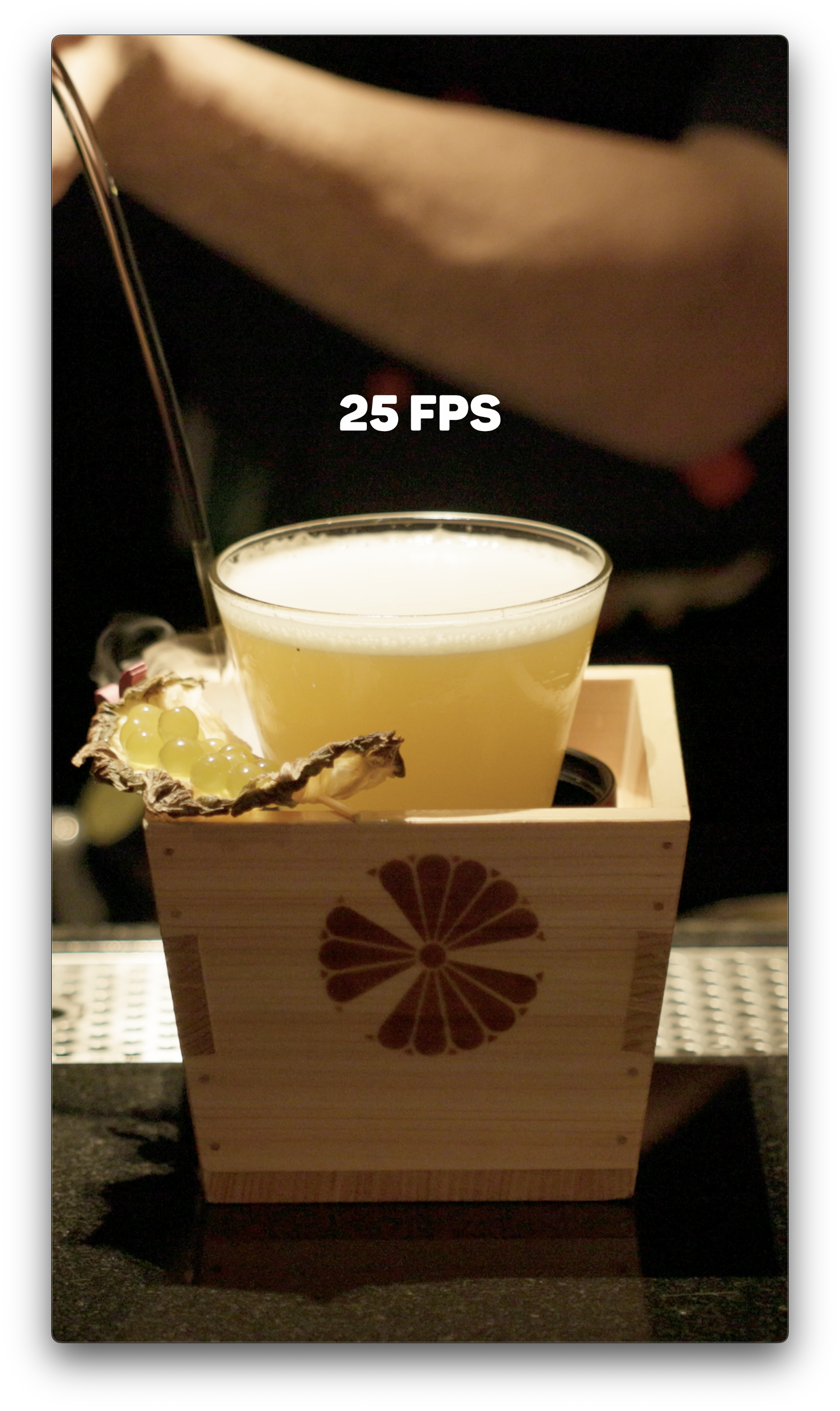
โดยปกติแล้วกล้อง Canon จะมีการตั้งค่า Frame Rate สำหรับการถ่ายวิดีโอปกติอยู่ที่ 25 FPS ถึง 50 FPS ถ้าหากเราต้องการวิดีโอแบบ Slow Motion แต่นำไฟล์วิดีโอที่ถ่ายด้วย Frame Rate ปกติแล้วนำมาปรับให้เป็น Slow Motion ผ่านโปรแกรมตัดต่อจะทำให้วิดีโอมีจังหวะสะดุดไม่ลื่นไหลเพราะความละเอียดของ Frame Rate ไม่มากพอ
Frame Rate is a term frequently heard when discussing camera settings for video recording. It refers to the number of frames or still images displayed in one second of video. For example, a video set to a Frame Rate of 30 FPS (Frames Per Second) will show a total of 30 images in one second.
Typically, Canon cameras have a default Frame Rate setting for regular video shooting ranging from 25 FPS to 50 FPS. If you want to achieve a slow-motion effect, simply adjusting a normally recorded video file to slow motion in editing software can lead to choppy playback, as the Frame Rate may not be high enough to maintain smooth motion.
Equipments
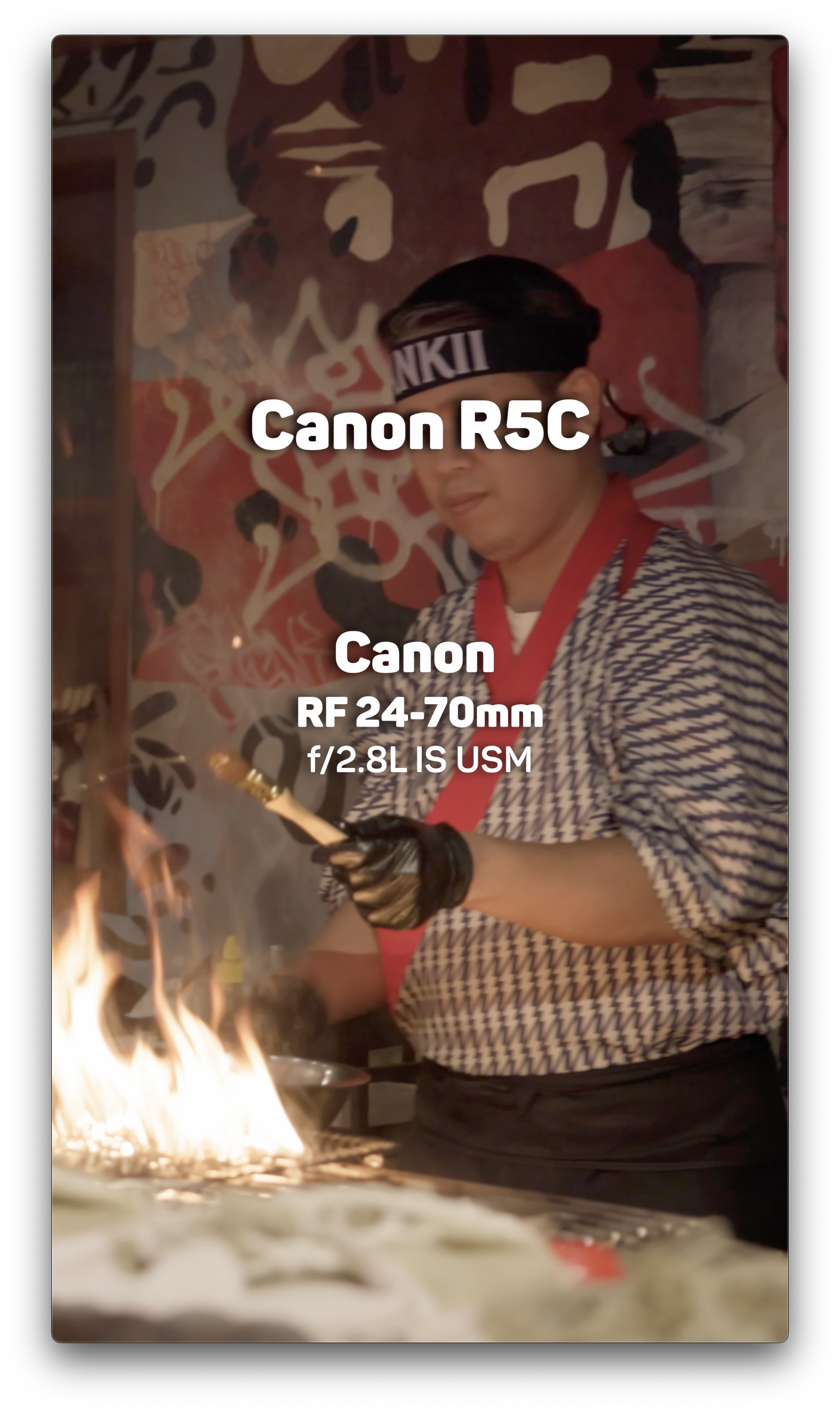
Canon R5C • Canon RF 24-70 mm f/2.8L IS USM


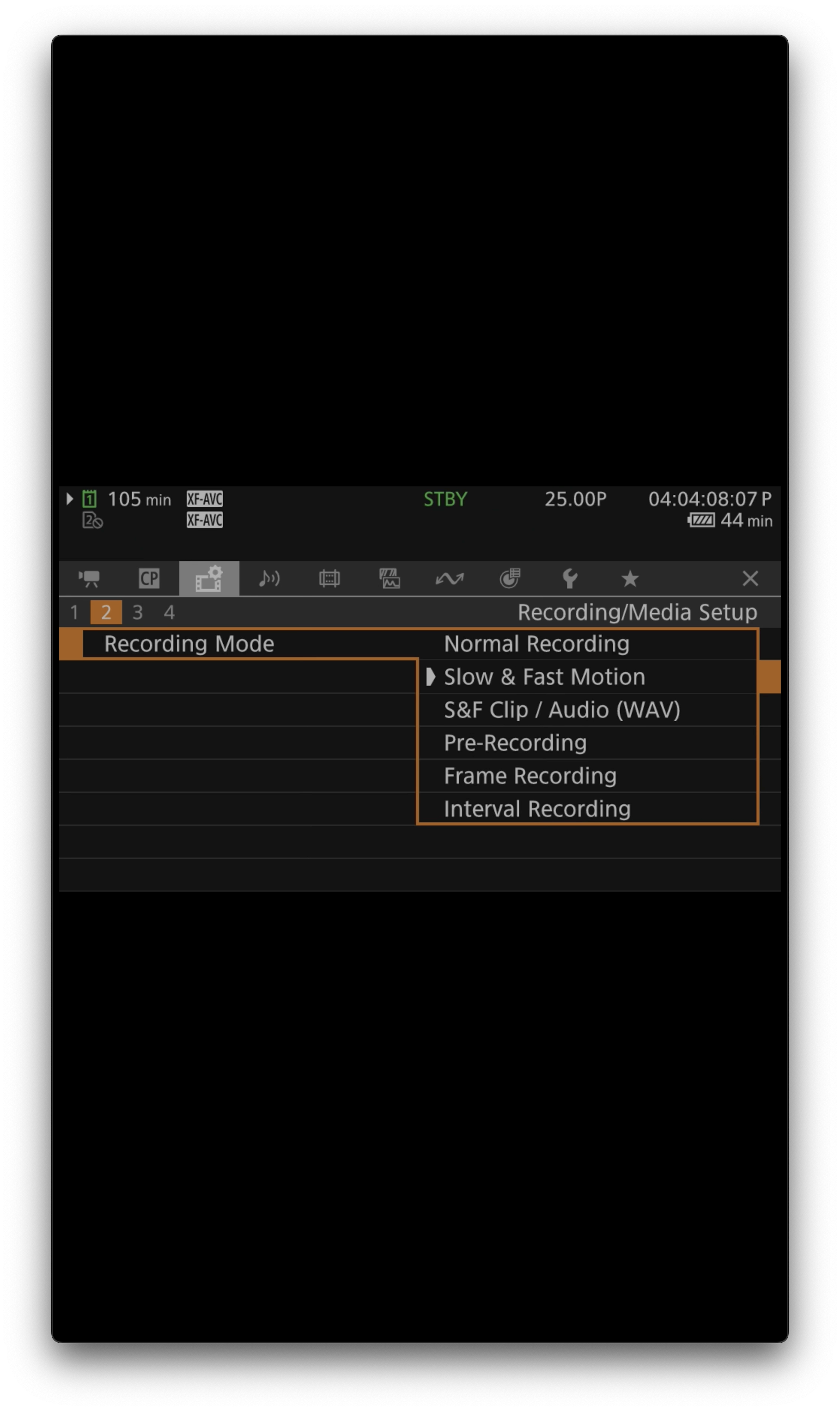

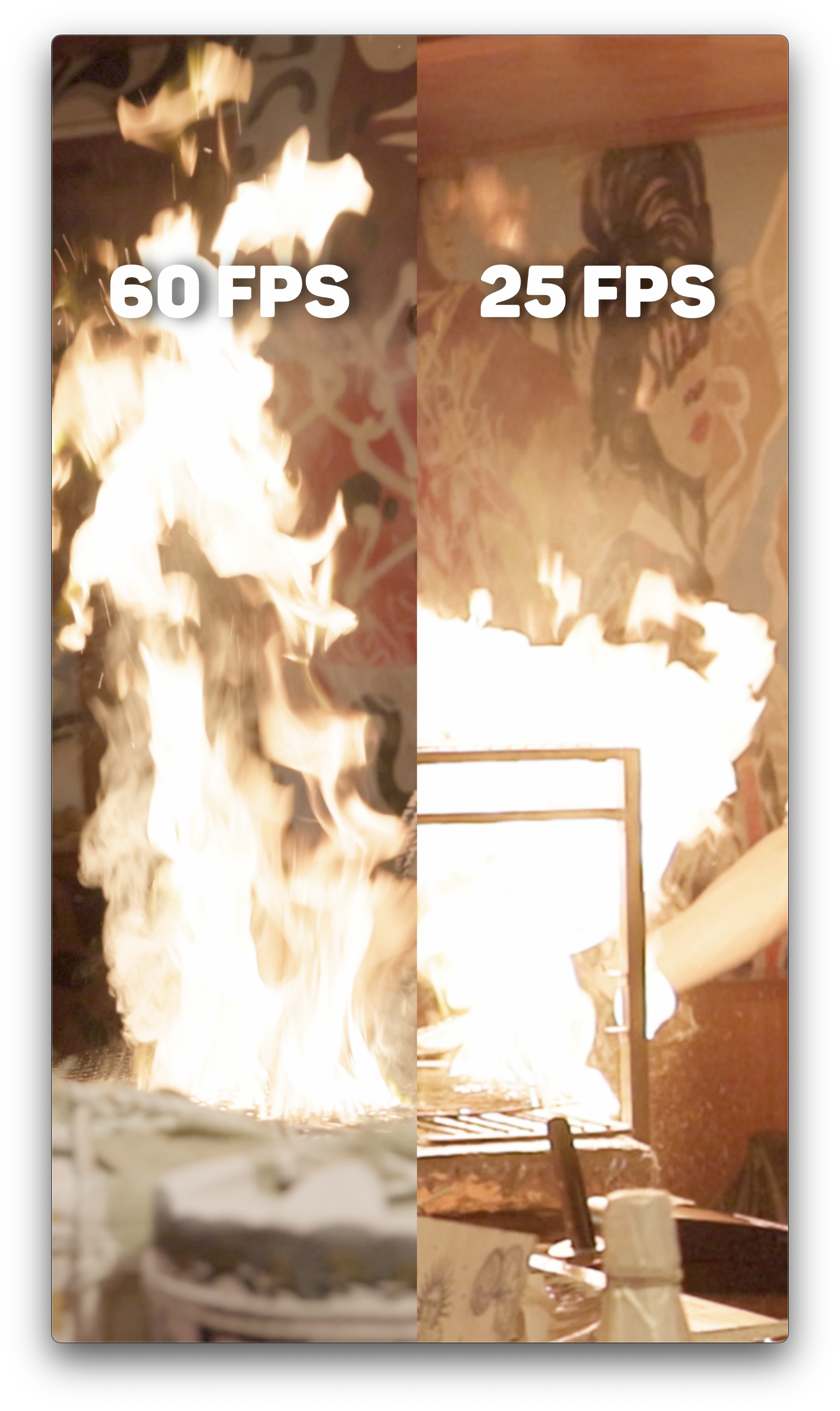
ฉะนั้นการถ่าย Slow Motion จึงควรตั้งค่า Frame Rate ของกล้องก่อนที่จะเริ่มถ่าย ซึ่งโหมด Slow and Fast จะสามารถเลือก Frame Rate ได้ตั้งแต่ 50 FPS ไปจนถึง 120 FPS นั่นแสดงว่าภายใน 1 วินาทีจะสามารถเก็บภาพนิ่งได้ตั้งแต่ 50 ถึง 120 ภาพ ทำให้การนำไฟล์วิดีโอที่ถ่ายทำผ่านโหมด Slow and Fast สามารถนำไปใช้เป็นวิดีโอแบบ Slow Motion ได้อย่างราบรื่นไม่สะดุดและได้คุณภาพในระดับมืออาชีพ
รวมไปถึงเรื่องของการบันทึกเสียงในระหว่างการถ่ายที่เป็นสิ่งสำคัญอีกหนึ่งข้อของการถ่ายวิดีโอ โดยในโหมด Slow and fast นี้ยังสามารถบันทึกเสียงในรูปแบบไฟล์ .wav ซึ่งเป็นไฟล์เสียงที่มีคุณภาพสูงได้อีกด้วย
Therefore, when shooting in slow motion, it’s important to set the camera’s Frame Rate before you start recording. The Slow and Fast mode allows you to choose a Frame Rate from 50 FPS to 120 FPS, meaning that within one second, you can capture between 50 to 120 images. This ensures that videos recorded in Slow and Fast mode can be used for slow-motion footage seamlessly and with professional quality.
Additionally, recording audio during video capture is another important aspect. In Slow and Fast mode, you can also record sound in .wav format, which provides high-quality audio for your videos.
EP 01 :: Silent Echoes in Phrom Phong


 W Walkspace