
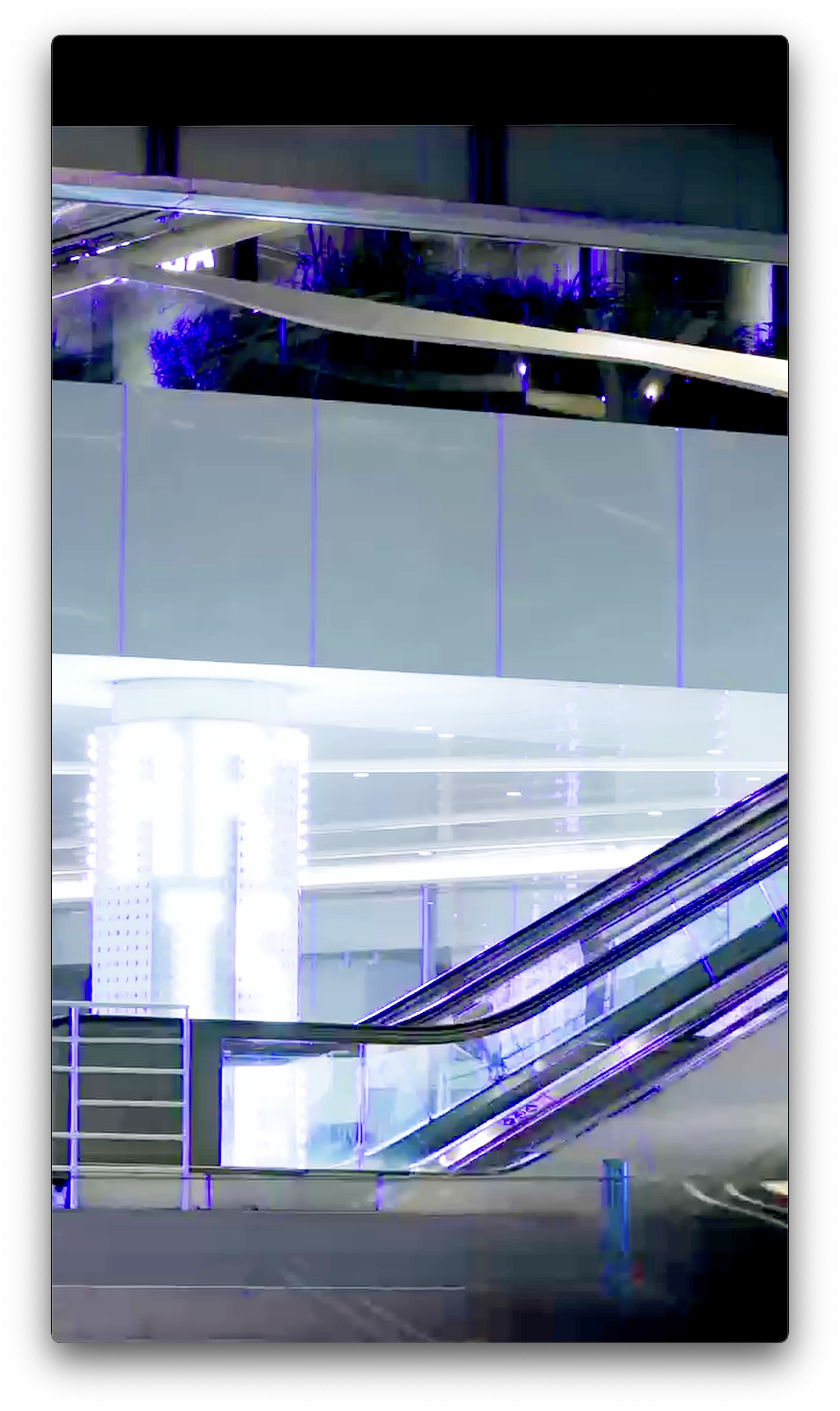
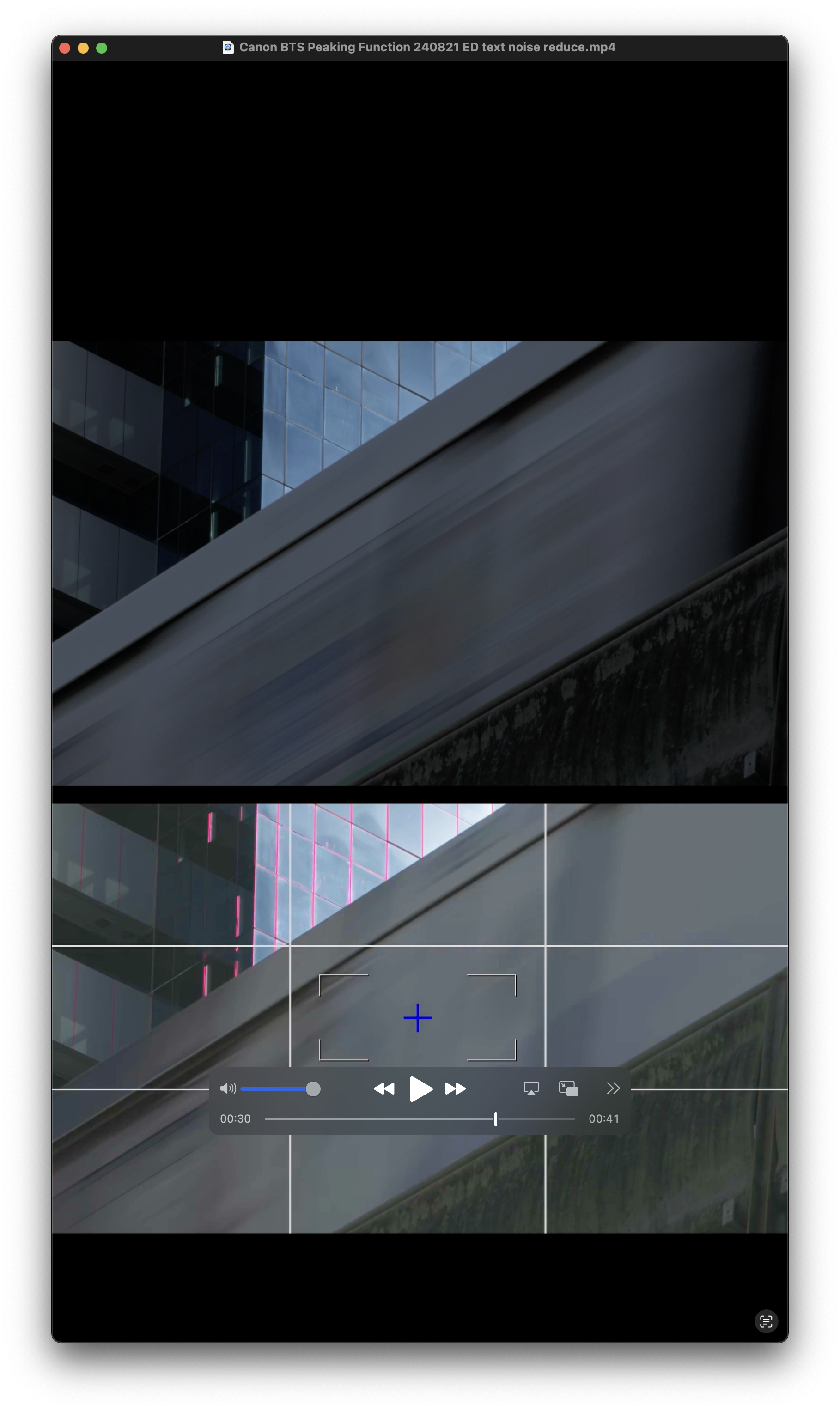
Tricks ในการ Focus แบบ Manual ให้ไม่พลาด และได้ภาพคมสวยชัดในจุดที่ต้องการ แค่ใช้ฟังก์ชัน Focus Peaking ในสถานการณ์ที่ต้องทำงานแบบฉับไว การเปิด Focus Peaking จะมีตัวช่วยแสดงผลบนกล้องได้โดยตรง ไม่ต้องเสียเวลาต่อจอเสริม โดยเราจะเช็คได้จากกรอบสี ซึ่งหมายถึงบริเวณพื้นผิวที่กำลังถูกโฟกัส
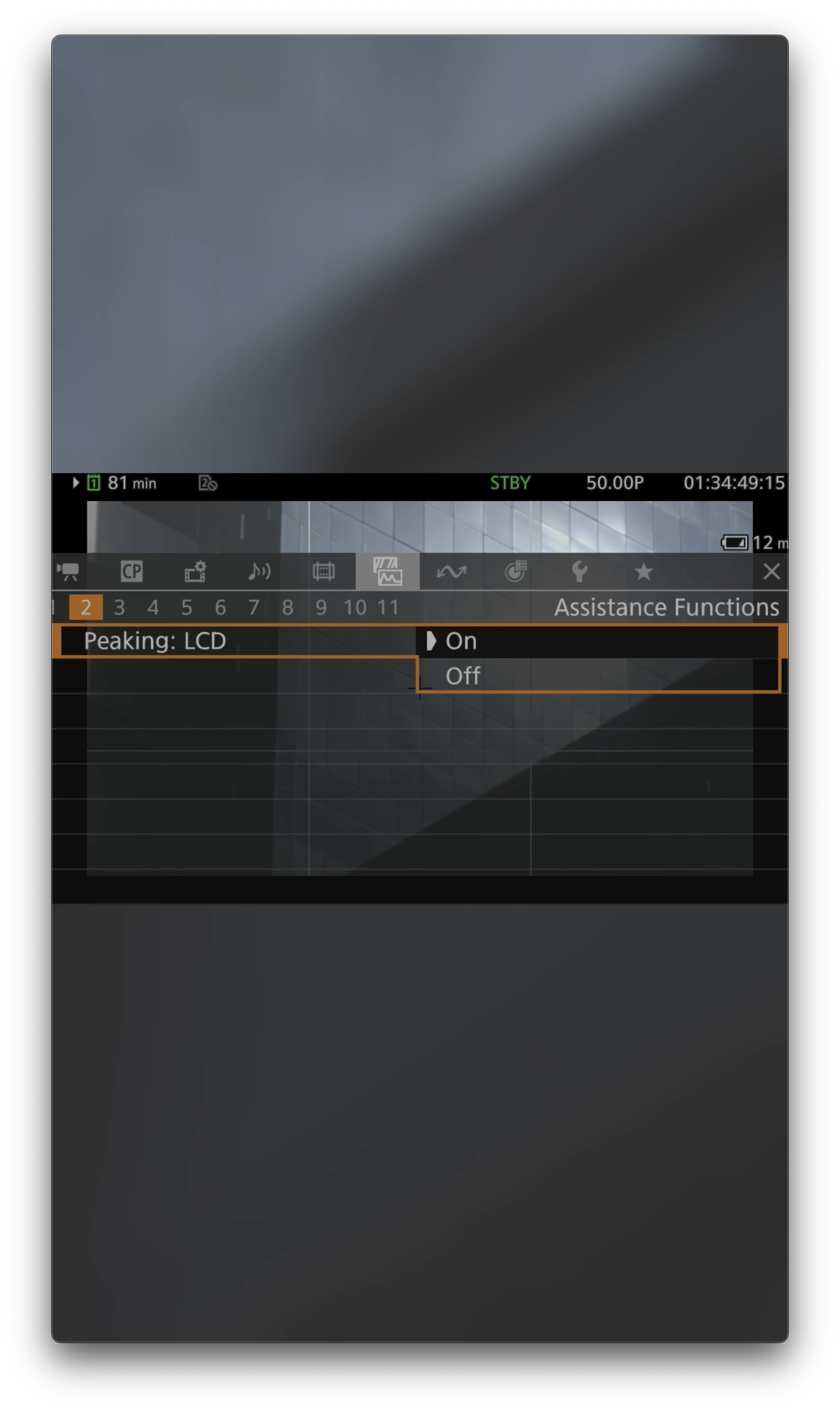
การเปิดฟังก์ชันก่อนถ่ายวิดิโอให้เข้าไปที่หน้า Menu หา Peaking : LCD กด ON เท่านี้ เราก็มั่นใจในการโฟกัส ดูผ่านหน้าจอของกล้องได้อย่างแม่นยำขึ้น และไม่พลาดโอกาสเก็บภาพสวยๆในทุกช่วงเวลาสำคัญ
For achieving precise manual focus and capturing sharp, clear images exactly where you want them, using the Focus Peaking function is a valuable trick, especially in fast-paced shooting situations. Activating Focus Peaking provides direct visual assistance on the camera, eliminating the need for an external monitor. It highlights the areas in focus with a colored outline, making it easy to see where your focus is sharp.
To enable this function before shooting video, go to the camera’s menu, find the Peaking option, and set it to ON. This will allow you to check focus accurately through the camera’s LCD screen, ensuring you don’t miss capturing beautiful shots during important moments.
Equipments
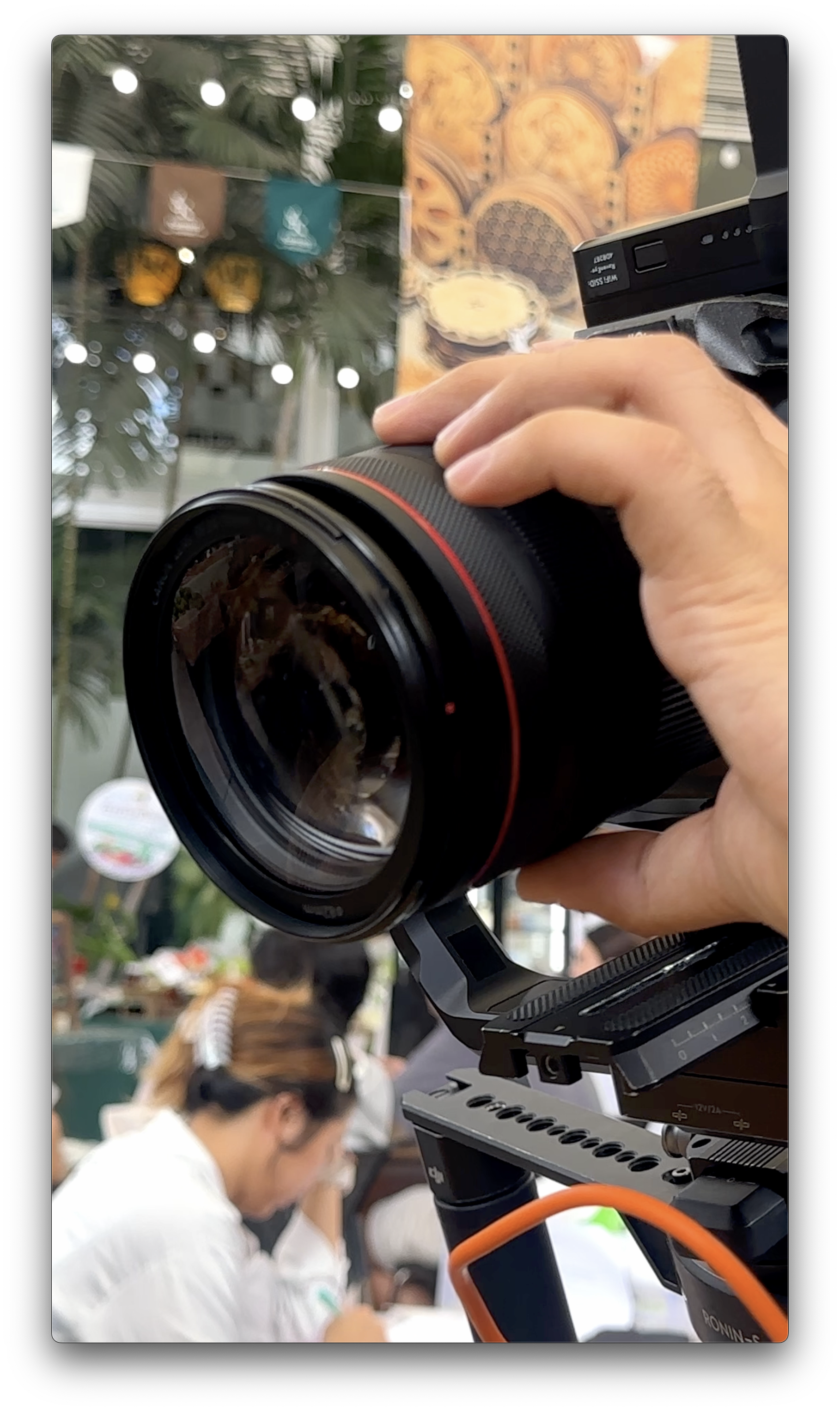
Canon R5C • Canon EF 70-200 mm f/2.8L USM



EP 01 :: Silent Echoes in Phrom Phong


 W Walkspace